
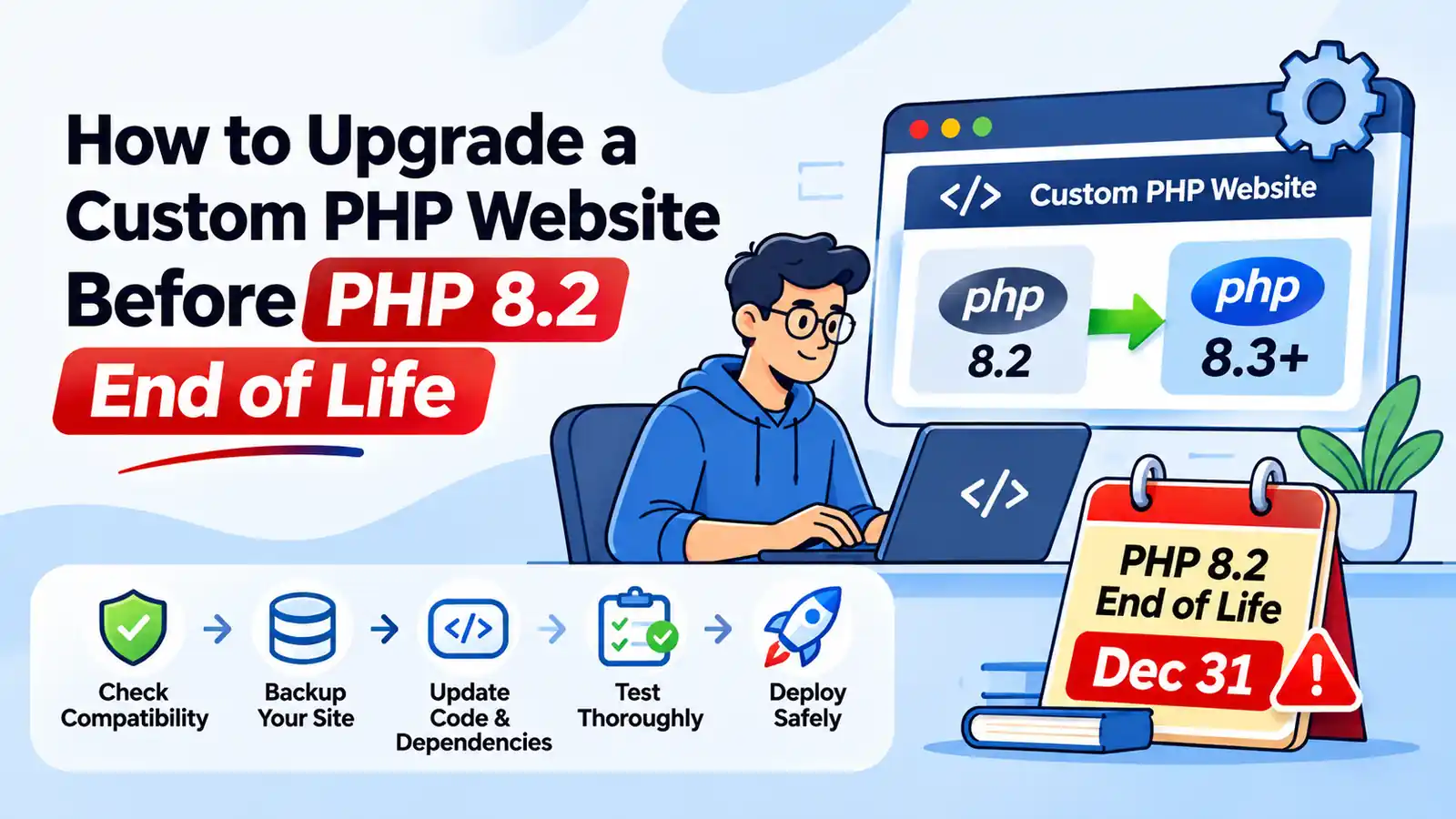
PHP 8.2 end of life is December 31, 2026. After that date the PHP project stops publishing security fixes for 8.2, and any flaw found later stays open on every server that still runs it.
What You'll Learn
If your website or web app was custom built in PHP, plain PHP or a framework like Laravel, Symfony or CodeIgniter, this guide is for you.
It has two parts. The first is for business owners who need to know what to ask and decide. The second is a checklist for the developer who does the work.
Quick answer
Move to PHP 8.4 before December 31, 2026, unless your framework needs something else. Check your framework version first, run your code through Rector and PHPStan on a staging copy, fix the deprecations, then switch production with a rollback ready. Most custom sites need days of developer time for this, not hours.
What PHP 8.2 end of life means for your site
Nothing switches off on January 1. Your site keeps running exactly as before. What stops is the stream of fixes from the PHP project: no more patches for security holes, crashes or bugs in PHP itself.
The risk is real. In October 2026, the PHP2Shell vulnerability let attackers run code on unpatched servers. PHP shipped fixes for 8.2, 8.3, 8.4 and 8.5, but sites on PHP 8.1 got no official release because 8.1 had already reached end of life. From January 2027, PHP 8.2 sites will be in the same position.
Plenty of sites are already there. In August 2026, W3Techs measured about 37% of PHP websites still running PHP 7 or PHP 5, major versions nobody patches anymore.
Which PHP version to target after PHP 8.2 end of life
| Target | Security fixes until | Choose it if |
|---|---|---|
| PHP 8.4 | Dec 31, 2028 | You want one move that lasts two years. This is our default recommendation. |
| PHP 8.3 | Dec 31, 2027 | A key package or extension doesn’t support 8.4 yet. You’ll be doing this again next year. |
| PHP 8.5 | Dec 31, 2029 | Your dependencies are current and well tested, and you want the longest runway. |
Going straight from 8.2 to 8.4 is usually fine. If you’re starting from PHP 7.x or 8.0, it’s safer to step through versions on staging, because fixing one set of changes at a time makes errors easier to trace.
Your framework decides more than PHP does
For a custom site, the framework version often limits which PHP version you can run. Check it before you plan anything around PHP 8.2 end of life. An old framework can block the PHP upgrade, and it may have its own support deadline coming up.
| Framework | PHP it needs | Support status |
|---|---|---|
| Laravel 13 | 8.3 to 8.5 | Security fixes until Q1 2028 |
| Laravel 12 | 8.2 to 8.5 | Bug fixes ended Aug 13, 2026; security fixes until Feb 24, 2027 |
| Laravel 11 and older | 8.2 or older | No longer supported |
| Symfony 8.x | 8.4 or newer | Supported, short release cycle |
| Symfony 7.4 LTS | 8.2 or newer | Security fixes until November 2029 |
| Symfony 6.4 LTS | 8.1 or newer | Bug fixes end November 2026; security fixes until November 2027 |
| CodeIgniter 4.7 | 8.2 or newer | Only the latest 4.x version is maintained |
| CodeIgniter 3 | Built for PHP 5.6+ | Legacy, mostly security fixes only |
Two traps to watch for. A Laravel 12 site that upgrades PHP but not Laravel still loses framework security fixes in February 2027, less than two months after PHP 8.2 end of life. And CodeIgniter 4 needs at least version 4.6 to run on PHP 8.4, or 4.7 for PHP 8.5.
Plain PHP sites without a framework have no framework limit, but they often rely on old libraries that do. The Composer checks later in this guide find them.
For business owners: five questions to ask your developer
You don’t need to understand the code to manage this well. These answers tell you how big the job is and whether it’s under control:
- Which PHP version and framework version do we run today? You want exact numbers, such as “PHP 8.2.35, Laravel 11”.
- Which version are we moving to, and why? The answer should mention the framework table above.
- Do we have a staging copy and automated tests? Without them, every change is tested by your customers.
- What’s blocking us? Old packages, removed PHP extensions or custom code that needs rewriting.
- What’s the rollback plan, and when is the switch? A good plan names a switch date well before PHP 8.2 end of life and a way back within minutes.
If nobody can answer the first question, start there. The PHP version shows in your hosting panel, or your developer can run php -v on the server and check the version the website itself uses.
What breaks when you move from PHP 8.2 to 8.4
Most custom code survives the move with small fixes. These are the changes that cause most of the work.
Implicitly nullable parameters (deprecated in 8.4)
A typed parameter with a null default used to become nullable automatically. PHP 8.4 deprecates that, and older applications are likely to throw notices because of it. The fix is one character per parameter:
// Before: deprecated in PHP 8.4
function findUser(string $email = null) {}

// After
function findUser(?string $email = null) {}
Dynamic properties (deprecated since 8.2)
Setting a property that the class never declared has triggered a deprecation notice since PHP 8.2. It still works in 8.4, but legacy code often has hundreds of these. Declare the property, or add the #[AllowDynamicProperties] attribute as a temporary workaround.
class Invoice {
    public ?string $note = null; // declare it instead of creating it on the fly
}
Extensions removed from PHP 8.4
PHP 8.4 no longer ships the IMAP, OCI8, PDO_OCI and Pspell extensions. They moved to PECL, so code that reads mailboxes with imap_* functions or connects to Oracle stops working unless the extension is installed separately. For IMAP, PHP.Watch recommends moving to a library such as webklex/php-imap instead.
Run php -m on your current server to see which extensions you use, and search your code for imap_, oci_ and pspell_ calls.
Smaller changes worth knowing
- The default bcrypt cost for
password_hash()rose from 10 to 12 in PHP 8.4. Existing hashes still verify, but hashing takes longer, which matters on busy login endpoints. - Passing
nullto built-in functions that expect a string, such asstrlen(null), has been deprecated since PHP 8.1. It’s one of the most common notices in older code. - Deprecation notices are warnings, not failures. They tell you what will break in PHP 9, so fix them now while the code is fresh in your mind.
Developer checklist: upgrading a custom PHP site
- Audit Composer dependencies. Run
composer why-not php 8.4to list packages that block the upgrade,composer outdatedto see what needs updating, andcomposer auditfor known security advisories. - Upgrade the framework first. Move to a framework version that supports your target PHP, on your current PHP version. Change one thing at a time.
- Run Rector. Rector rewrites many deprecated patterns automatically, including implicit nullable types. Point it at your own code, not
vendor/, and review the diff before committing. - Run static analysis. PHPStan, or PHPCompatibility for PHP_CodeSniffer, catches problems Rector doesn’t fix, such as calls to removed functions.
- Run your tests on the new PHP version. Add PHP 8.4 to your CI pipeline next to 8.2, so both stay green during the move.
- Build staging on the exact target stack. Same PHP version, same extensions, same
php.inisettings as production will have. Turn on all error reporting and read the log. - Check scheduled jobs and the command line. Cron jobs and queue workers often use a different PHP binary from the website. Update both.
composer require --dev rector/rector

// rector.php
use Rector\Config\RectorConfig;

return RectorConfig::configure()
    ->withPaths([__DIR__ . '/src', __DIR__ . '/app'])
    ->withPhpSets(php84: true);

vendor/bin/rector process --dry-run
Run it with --dry-run first to see the proposed changes without writing them.
Can’t upgrade before PHP 8.2 end of life?
Sometimes a big codebase or an abandoned dependency makes the deadline impossible. Missing the PHP 8.2 end of life date doesn’t have to mean running unpatched PHP. You have a few options, all of them temporary:
- Linux vendor support. Red Hat supports its PHP 8.2 packages on RHEL 8 and RHEL 9 until May 2029, which also covers compatible distributions such as AlmaLinux and Rocky Linux.
- Paid extended support. Companies such as TuxCare sell patched builds of end-of-life PHP versions, which buys time without touching your code.
- Your host’s extended support. Some hosts keep old versions running for a monthly fee. Others force the move: Acquia removed PHP 8.2 from its platform on October 1, 2026, three months before the official date.
Use any of these to buy months for a planned upgrade, not as a way to avoid one. Framework support runs out on its own schedule regardless.
Rolling out the switch, and rolling back
On a server you control, install PHP 8.4 alongside 8.2 instead of replacing it. With PHP-FPM, each version runs its own pool, so switching the site is a change to the web server config, and rolling back is the same change in reverse.
On shared or managed hosting, the switch is a setting in your hosting panel. Our guides to PHP extensions in cPanel and PHP modules in WHM show where, and how to check that the extensions you need are enabled on the new version.
After the switch, watch the PHP error log for 24 hours, including the overnight cron run. If something breaks that staging missed, switch back first and debug second.
Running WordPress instead of custom code? Our guide on how to update PHP version in WordPress covers the plugin and theme side of the same deadline. And if speed matters to you, newer PHP versions also help there: see our PHP performance optimization guide.
PhpYouth has built and maintained custom PHP and Laravel applications since 2015. We audit your code and dependencies, upgrade the framework and PHP version on staging, fix what breaks, and handle the production switch with a rollback plan.
Plan Your PHP Upgrade
Frequently asked questions
When is PHP 8.2 end of life?
PHP 8.2 end of life is December 31, 2026. After that date the PHP project publishes no more security fixes for 8.2. Active bug fixing already ended on December 31, 2024.
Will my PHP website stop working after December 31, 2026?
No. Your site keeps running on PHP 8.2. It just stops receiving security fixes, so any vulnerability discovered after that date stays open until you upgrade.
Should I upgrade from PHP 8.2 to 8.3 or 8.4?
PHP 8.4 for most sites, because it has security support until December 2028. Choose 8.3 only if a framework or package you depend on doesn’t support 8.4 yet.
What breaks when upgrading PHP 8.2 to 8.4?
The most common issues are implicitly nullable parameters, dynamic properties, passing null to built-in functions, and the IMAP, OCI8 and Pspell extensions, which PHP 8.4 no longer ships.
How long does a PHP upgrade take for a custom site?
It depends on the codebase, the framework version and how much test coverage you have. A well-maintained site can take a few days; an old site with outdated packages can take several weeks.
Can I keep using PHP 8.2 safely after end of life?
Only with a third-party patch source, such as Red Hat’s RHEL packages or paid extended support. That buys time, but your framework and packages will still drop PHP 8.2 support.
Sources: PHP supported versions, PHP 8.4 removed extensions, PHP.Watch on implicit nullable types, Laravel 13 release notes, CodeIgniter 4 server requirements, eCorpIT framework support table, Acquia PHP 8.2 FAQ.
Discover more from Master WordPress with Free Tutorials & Guides
Subscribe to get the latest posts sent to your email.

1 thought on “How to Upgrade a Custom PHP Website Before PHP 8.2 End of Life”
Pingback: Breaking: PHP2Shell PHP Security Vulnerability Under Attack