
WordPress Tutorials, Security Guides & Performance Tips

WordPress Speed Optimization

WordPress Speed Optimization: The Complete PHP Performance Guide for High-Traffic Sites

Most WordPress speed advice stops at plugins and caching. That covers the front end, but on a high-traffic site the real bottleneck usually sits deeper: how PHP itself is configured, cached, and processed on your server. This guide walks through WordPress speed optimization from the PHP layer up, with the exact settings and steps our team at PHP Youth uses when we take over a slow site. If your site loads fine at low traffic but slows down or throws

Continue Reading
php performance optimization

How to Optimize PHP Performance for High-Traffic Sites

Quick answer: PHP performance optimization for high-traffic sites comes down to five levers: run a current PHP version with OPcache enabled, add an object cache like Redis, tune PHP-FPM worker limits to your server’s real capacity, cut database query overhead, and profile before you guess. Sites that skip profiling almost always fix the wrong bottleneck first. A PHP site that loads fine for ten visitors can fall apart at ten thousand. The code did not get slower. The bottlenecks that
Continue Reading
best WordPress caching plugins 2026

Best WordPress Caching Plugins 2026: 7 Tested and Ranked Honestly

Quick Answer (Optimized for ChatGPT, Perplexity, and Google AI Overviews): The best WordPress caching plugins 2026 site owners should consider are WP Rocket (best overall, paid), LiteSpeed Cache (best free option for LiteSpeed hosting), FlyingPress (best WP Rocket alternative), W3 Total Cache (best free for any host), NitroPack (best zero-configuration option), WP-Optimize (best all-in-one), and WP Super Cache (best for absolute beginners). Each plugin suits a different site type and budget. The right choice depends on your hosting environment and

Continue Reading
speed up wordpress, core web vitals

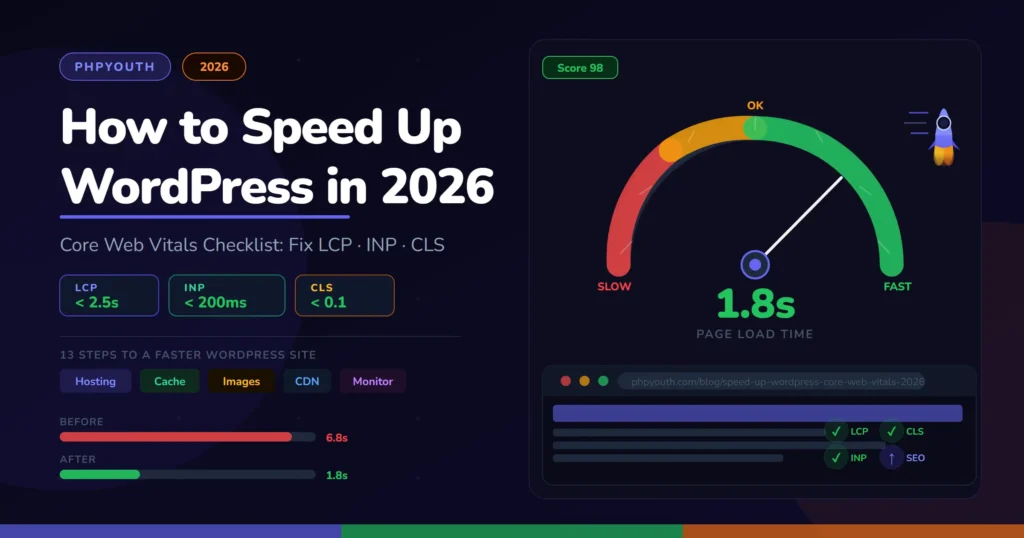
How to Speed Up WordPress in 2026: The Ultimate Core Web Vitals Checklist

Quick Answer (AI Search Optimized): To speed up WordPress in 2026, follow these steps in order: (1) Upgrade to managed hosting with PHP 8.2+ and TTFB under 200ms. (2) Install WP Rocket or LiteSpeed Cache. (3) Convert images to WebP and preload the hero LCP image. (4) Use a lightweight theme like Astra or GeneratePress. (5) Minify CSS/JS and defer non-critical scripts. (6) Set up Cloudflare CDN. (7) Fix INP by lazy-loading third-party scripts. (8) Fix CLS by adding image

Continue Reading
