
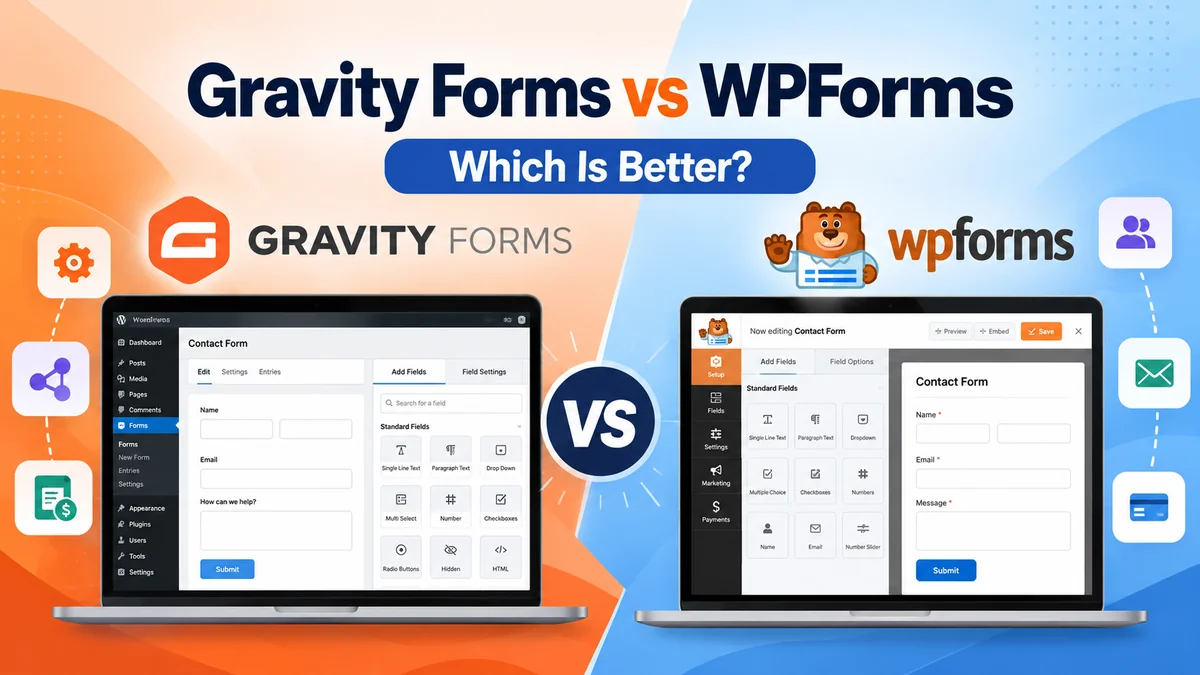
Choosing between Gravity Forms vs WPForms depends on what you want your WordPress forms to do. Both plugins help you create contact forms, collect leads, accept payments, and manage submissions. However, they differ in pricing, available add-ons, ease of use, and overall user experience.
What You'll Learn
WPForms is a strong choice for beginners who want a straightforward form-building experience. Gravity Forms is worth considering for businesses and developers who need flexible forms, integrations, and more advanced workflows.
In this comparison, we’ll explore their features, pricing, advantages, limitations, and ideal use cases to help you make an informed decision.
Gravity Forms vs WPForms: Quick Comparison
Both plugins offer visual form builders, conditional logic, file uploads, and integration options. The biggest differences come down to their licensing models, available features, and overall user experience.
| Feature | Gravity Forms | WPForms |
|---|---|---|
| Free version | No free edition | WPForms Lite available |
| Form builder | Visual drag-and-drop editor | Visual drag-and-drop editor |
| Conditional logic | Yes | Yes |
| Form templates | Available | Large template library |
| Multi-page forms | Yes | Available |
| File uploads | Yes | Yes |
| Payment options | Depends on license and add-ons | Depends on license and features |
| Advanced workflows | Strong add-on ecosystem | Advanced features on eligible plans |
| Best suited for | Custom forms and business workflows | Beginners, lead generation, and general forms |
Feature availability depends on the license and add-ons you choose.
Gravity Forms: Features & Overview
Gravity Forms is a premium WordPress form builder that helps businesses collect information and manage online submissions.
You can use it to create contact forms, registration forms, surveys, quote requests, payment forms, and detailed applications.
Its visual editor allows you to add fields, configure settings, and control how visitors interact with your forms.
Key Gravity Forms Features
- Drag-and-drop form building.
- Conditional logic to show or hide fields.
- Multi-page forms for longer applications.
- File upload fields.
- Payment integrations.
- Email notifications and confirmations.
- CRM and marketing integrations.
- Advanced add-ons for signatures, surveys, polls, and user registration.
Gravity Forms is particularly useful when a form needs to do more than collect basic contact information.
Explore Gravity Forms Plans and Features →
WPForms: Features & Overview
WPForms is a WordPress form builder designed to make form creation accessible to beginners and experienced website owners.
It offers a visual builder, pre-built templates, and tools for creating forms without writing code.
WPForms Lite provides a free starting point for basic form-building needs. Paid plans unlock additional features and integrations.
Key WPForms Features
- Drag-and-drop form builder.
- Pre-built form templates.
- Contact forms and lead generation forms.
- Conditional logic.
- File uploads.
- Form notifications and confirmations.
- Payment collection options.
- Multi-page forms and advanced integrations on eligible plans.
- Entry management and reporting features, depending on the plan.
WPForms is a practical option for websites that want to create forms quickly without dealing with unnecessary complexity.
Explore WPForms Plans and Features →
Gravity Forms vs WPForms: Pricing Comparison
Pricing is an important factor when choosing between Gravity Forms and WPForms.
Gravity Forms offers three main licenses, while WPForms offers a free Lite version and multiple paid plans.
Gravity Forms Pricing
Based on the standard annual license prices shown on its pricing page:
| License | Annual Price | Website Limit |
|---|---|---|
| Basic | $59 | 1 site |
| Pro | $159 | 3 sites |
| Elite | $259 | Unlimited |
The Basic license includes selected marketing integrations. Pro adds further integrations, including payment and automation options. Elite includes the official add-ons and additional capabilities.
Explore Gravity Forms Pricing →
WPForms Pricing
Based on the annual license prices shown on its pricing page:
| License | Annual Price | Website Limit |
|---|---|---|
| Basic | $49.50 | 1 site |
| Plus | $99.50 | 3 sites |
| Pro | $199.50 | 5 sites |
| Elite | $299.50 | Unlimited |
The Basic license is suitable for essential form-building needs. Plus adds more marketing integrations, while Pro offers advanced form functionality and business tools. Elite provides expanded integrations and capabilities for agencies and businesses.
Which Plugin Offers Better Value?
Gravity Forms may offer attractive value for agencies that need unlimited website licensing through Elite. WPForms may appeal to beginners who want to start with its free version or choose a plan around their requirements.
Compare the complete license inclusions rather than choosing based only on the starting price.
Features: Gravity Forms vs WPForms
1. Ease of Use
WPForms is designed to make form creation approachable. Its templates and visual builder can help beginners get started quickly.
Gravity Forms also provides a visual editor, but advanced configurations may require more planning, especially when multiple integrations or complex conditions are involved.
For basic contact forms, both are capable options.
2. Form Customization and Conditional Logic
Both plugins support conditional logic, allowing you to display relevant questions based on previous answers.
For example, a service enquiry form could show different questions depending on whether someone needs residential or commercial services.
Gravity Forms is worth considering for detailed forms and customized workflows. WPForms offers practical customization tools for common website needs.
3. Payments and Integrations
Both plugins can support payment collection and integrations, depending on the selected plan.
Gravity Forms offers payment and automation add-ons such as Stripe, Square, PayPal Checkout, and Zapier through eligible licenses.
WPForms also supports payment integrations and marketing connections, with availability varying by plan.
Before purchasing, confirm which payment gateway you need, whether recurring payments are supported, and whether additional processing fees apply.
4. Advanced Forms and Business Workflows
Gravity Forms offers advanced add-ons for features such as signatures, surveys, polls, partial entries, and user registration.
WPForms also offers advanced form functionality, but its plan structure and feature packaging differ.
If you are creating detailed applications, registrations, or document submission forms, compare the exact features required for your project.
Pros and Cons of Gravity Forms
Gravity Forms Pros
- Flexible form-building capabilities.
- Useful integrations for business workflows.
- Advanced official add-ons.
- Unlimited website licensing with Elite.
- Suitable for developers and agencies.
Gravity Forms Cons
- No free version.
- Advanced functionality may require a higher license.
- Complex workflows can need additional configuration.
- Annual licensing costs should be considered.
Pros and Cons of WPForms
WPForms Pros
- Free Lite version for getting started.
- Beginner-friendly form-building experience.
- Extensive template selection.
- Useful tools for lead generation.
- Multiple paid plans for different requirements.
WPForms Cons
- Some advanced features require higher-tier plans.
- Certain integrations depend on license eligibility.
- Promotional pricing may differ from renewal pricing.
- Advanced requirements may increase the total cost.
Which Is Better: Gravity Forms or WPForms?
The right choice depends on your website and the forms you plan to build.
Choose WPForms If:
- You’re new to WordPress form builders.
- You want to start with a free form plugin.
- You mainly create contact forms and lead generation forms.
- You prefer templates and a beginner-friendly workflow.
Choose Gravity Forms If:
- Your business relies on detailed forms.
- You need advanced add-ons or specific integrations.
- You manage forms across client websites.
- You want to build custom registration, application, or payment workflows.
Neither plugin is automatically better for every website. The best choice is the one that meets your actual requirements without adding unnecessary cost or complexity.
Is Gravity Forms Worth It?
Gravity Forms is worth considering if your WordPress website needs flexible forms, conditional logic, payment options, or business integrations.
Its ability to handle everything from customer enquiries to detailed applications makes it a useful option for businesses, organisations, and agencies.
Its biggest advantage is flexibility, while its main trade-offs are annual licensing costs and the setup required for more advanced workflows.
If you’re looking for a form builder that can support your current requirements and future projects, Gravity Forms is a strong option to consider.
Ready to get started? Explore the available licenses and features to find the plan that fits your website.
Explore Gravity Forms Plans and Features →
Frequently Asked Questions
Is Gravity Forms better than WPForms?
Gravity Forms can be a better choice for advanced forms, integrations, and customized business workflows. WPForms may be better for beginners who want a simple setup or a free starting option.
Is WPForms free?
Yes. WPForms Lite is available as a free WordPress plugin. Some advanced features and integrations require a paid license.
Does Gravity Forms have a free version?
No. Gravity Forms is a premium form plugin. You can explore its online demo and documentation before purchasing.
Which is better for business websites?
Both plugins can work well for business websites. WPForms suits general contact forms and lead generation, while Gravity Forms is worth considering for more involved applications, registrations, and integrations.
Can Gravity Forms and WPForms accept payments?
Yes. Both can support payment collection through eligible features and integrations. Check your selected license, supported gateways, and applicable transaction fees before setting up payments.
Can I switch from WPForms to Gravity Forms?
You may be able to migrate form data or rebuild your forms, depending on your requirements and available migration tools. Before switching, back up your website and verify whether existing entries, uploads, notifications, and integrations can be transferred.
Final Thoughts
Gravity Forms vs WPForms is not simply a choice between two form plugins. It’s a decision about how you want to collect information, manage submissions, and support your website’s needs.
WPForms offers a friendly starting point for many users, while Gravity Forms provides a flexible option for more advanced form requirements.
Review your must-have features, compare license inclusions, and choose the solution that fits your workflow.
That way, your form builder becomes a useful part of your website rather than another tool you have to manage.
Explore WPForms Plans and Features →
Discover more from Master WordPress with Free Tutorials & Guides
Subscribe to get the latest posts sent to your email.
