
Picking the best WordPress security plugin for your site is not about finding the one with the most features. It is about matching what your site actually needs to a plugin that will not slow it down, confuse you, or sit there unused after week one. We tested and compared seven of the most trusted options on the market and ranked them by what they protect against, how easy they are to run, and what you actually get for free. If you only remember one thing from this guide, it is that the best WordPress security plugin for you depends more on your skill level and site type than on any single feature list.
What You'll Learn
Quick answer: Wordfence is the best all-around WordPress security plugin for most sites thanks to its strong free firewall and malware scanner. Sucuri wins if you want a cloud-based firewall that filters traffic before it reaches your server. MalCare is the easiest to use for beginners who want one-click malware removal without touching code.
Compare the top WordPress security plugins
| Plugin | Best for | Free plan | Starting price |
|---|---|---|---|
| Wordfence | All-around protection | Yes, full firewall and scanner | $119/year |
| Sucuri | Cloud-based firewall | Limited scanning only | $199/year |
| MalCare | Beginners, one-click cleanup | Scan only, no auto-clean | $99/year |
| Solid Security (iThemes Security) | Login and user hardening | Yes, core hardening tools | $99/year |
| Jetpack Protect | Sites already on Jetpack | Yes, fully free | Free |
| SecuPress | Lightweight, low-resource hosting | Yes, basic protection | $59/year |
| All In One WP Security | Budget sites, no premium needed | Yes, entirely free | Free |
Pricing changes fairly often on these plugins, so treat the numbers above as a starting reference and confirm current pricing on each plugin’s page before you buy.
How we compared these plugins
We looked at four things that actually matter once a plugin is running on a live site: firewall quality, malware scanning depth, how much the plugin slows down page load, and how approachable the settings are for someone who is not a developer. A plugin that scores high on paper but buries every setting in jargon ends up misconfigured, which defeats the point. None of these plugins are ranked by marketing claims alone. The order below reflects what each one is genuinely best at, not which one pays the highest affiliate commission.
1. Wordfence
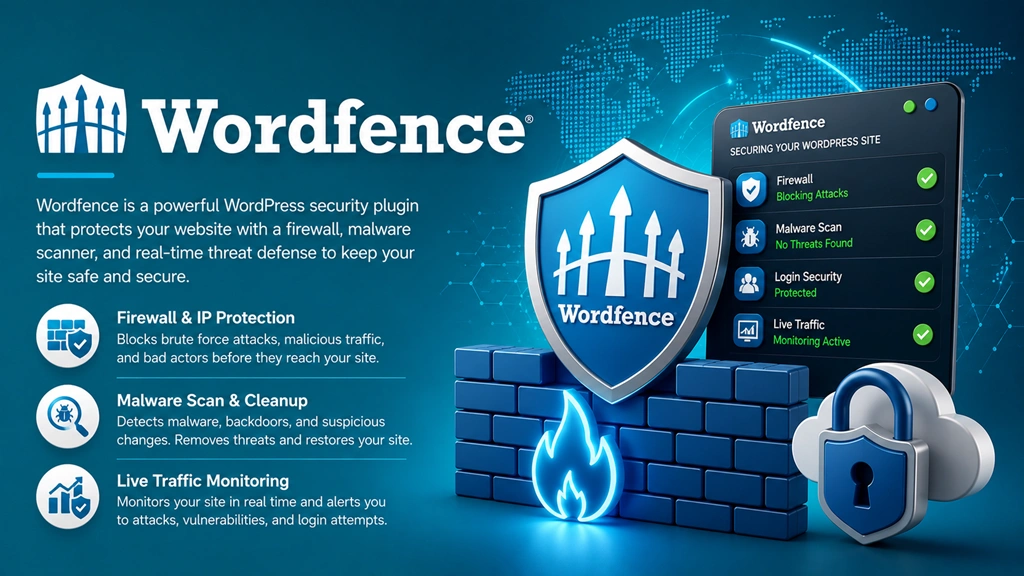
Wordfence is the most widely installed WordPress security plugin, and it earns that spot honestly. The free version includes a full web application firewall, malware scanning, login security, and live traffic monitoring. Most sites never need to upgrade.
- Standout feature: the firewall runs at the application level and blocks attacks before WordPress even loads them, which free alternatives rarely offer.
- Best for: anyone who wants strong protection without paying, or agencies managing several client sites.
- Watch out for: the amount of data in the dashboard can feel like a lot at first. Give yourself ten minutes to walk through the setup wizard.
Best known for: Enterprise-grade web application firewall (WAF) and real-time threat intelligence.
Lock Down Your Site with Wordfence Premium →
2. Sucuri

Sucuri takes a different approach than most plugins on this list. Its firewall runs in the cloud, meaning malicious traffic gets filtered before it ever reaches your server, not after. That is a real performance advantage on high-traffic sites.
- Standout feature: the cloud firewall doubles as a CDN, so you get a speed boost alongside the security layer.
- Best for: sites that have already been hacked once and want a service that includes cleanup, not just prevention.
- Watch out for: the free version is scan-only. The firewall requires a paid plan, unlike Wordfence’s free firewall.
Best known for: Cloud-based WAF, CDN integration, and zero-cost hack cleanup guarantees.
Get Sucuri’s Complete Website Protection →
3. MalCare
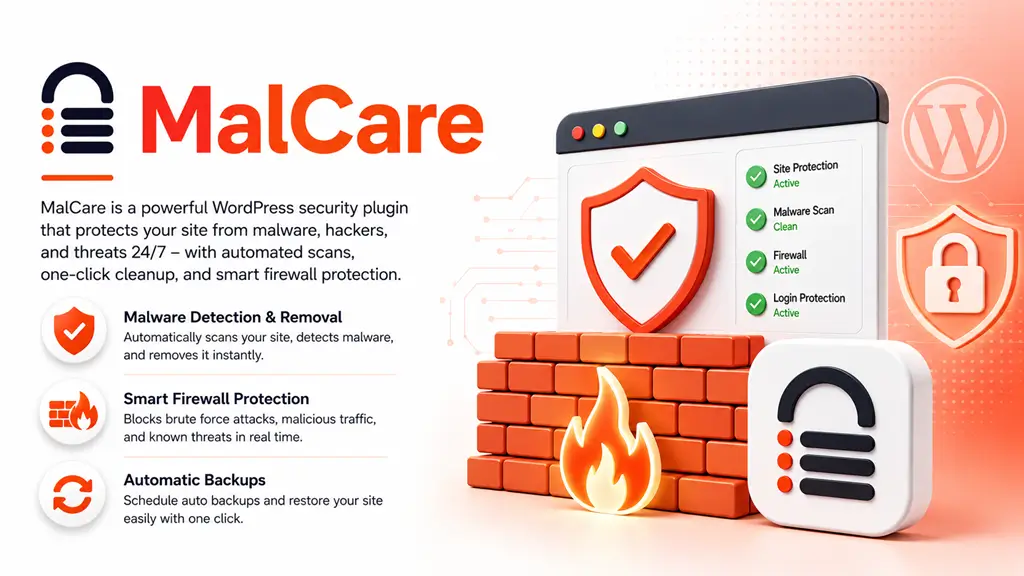
MalCare is built for people who do not want to read a manual before they can use a security plugin. Its scanner runs on MalCare’s own servers rather than your hosting, so a scan does not eat into your site’s resources.
- Standout feature: one-click malware removal, which most competitors either do not offer or charge extra for.
- Best for: beginners and small business owners who want protection without a learning curve.
- Watch out for: the free plan only scans. Cleanup and the firewall both sit behind a paid plan.
Best known for: Instant 1-click malware removal that doesn’t slow down your server.
Clean Your WordPress Site in 1-Click with MalCare →
4. Solid Security (Formerly iThemes Security)
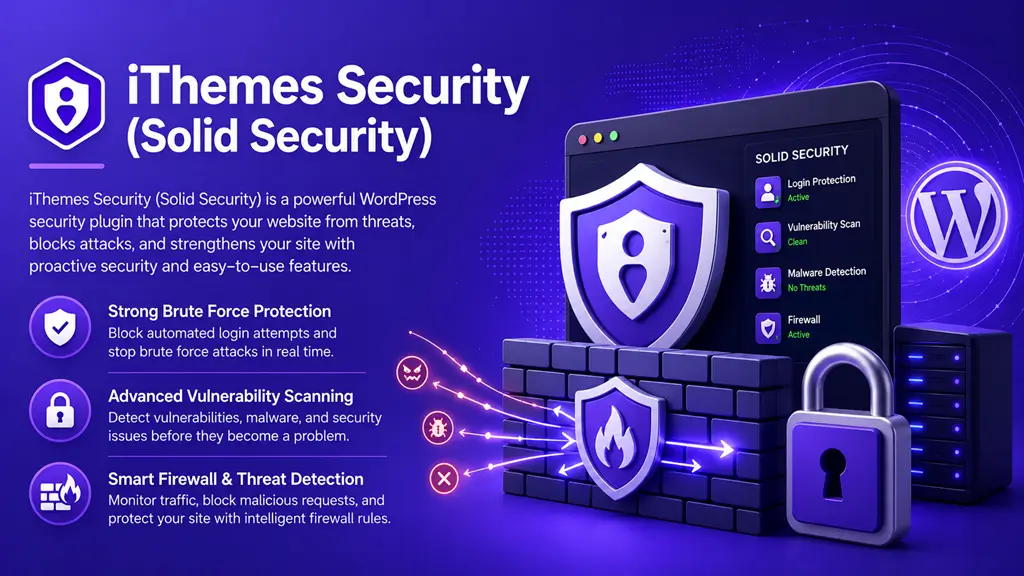
iThemes Security, now rebranded as Solid Security, focuses heavily on login and user account hardening rather than trying to do everything. If most of your risk comes from weak passwords and brute force attempts, this is a strong, focused pick.
- Standout feature: passwordless login and two-factor authentication are built in and genuinely easy to set up.
- Best for: membership sites and multi-author blogs where user account security matters more than server-level firewalling.
- Watch out for: its malware scanning is lighter than Wordfence or Sucuri, so pair it with a dedicated scanner if that is a priority.
Best known for: Hardening WordPress, site vulnerability patching, and 2FA implementation.
Harden Your WordPress Site with Solid Security Pro →
5. Jetpack Protect
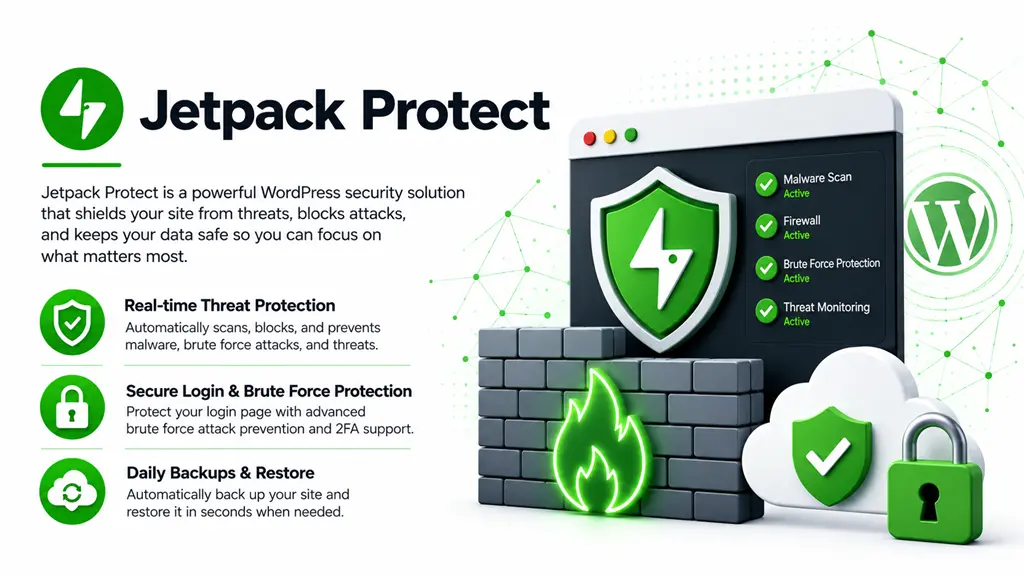
Jetpack Protect is a solid, no-cost option if you are already running other Jetpack modules. It scans for known vulnerabilities in your installed plugins and themes and alerts you the moment one is flagged.
- Standout feature: vulnerability database checks happen automatically and the plugin is completely free with no upsell.
- Best for: WordPress.com hosted sites or anyone already using Jetpack for other features.
- Watch out for: it does not include a firewall, so pair it with a firewall plugin if you want full coverage.
Best known for: Lightweight, cloud-based scanning backed by the Automattic/WordPress.com infrastructure.
Activate Jetpack Protect for Cloud-Based Security →
6. SecuPress

SecuPress is built to be lightweight, which makes it a good fit for sites on modest hosting plans where every extra bit of memory usage counts. It covers the essentials without the bulk some competitors carry.
- Standout feature: low resource usage compared to plugins with heavier scanning engines.
- Best for: sites on shared or budget hosting that still want real protection.
- Watch out for: the free version’s scan frequency and alert options are more limited than Wordfence’s free tier.
Best known for: User-friendly UI, quick security audits, and privacy-focused features.
Audit & Fix Your Site Security with SecuPress Pro →
7. All In One WP Security
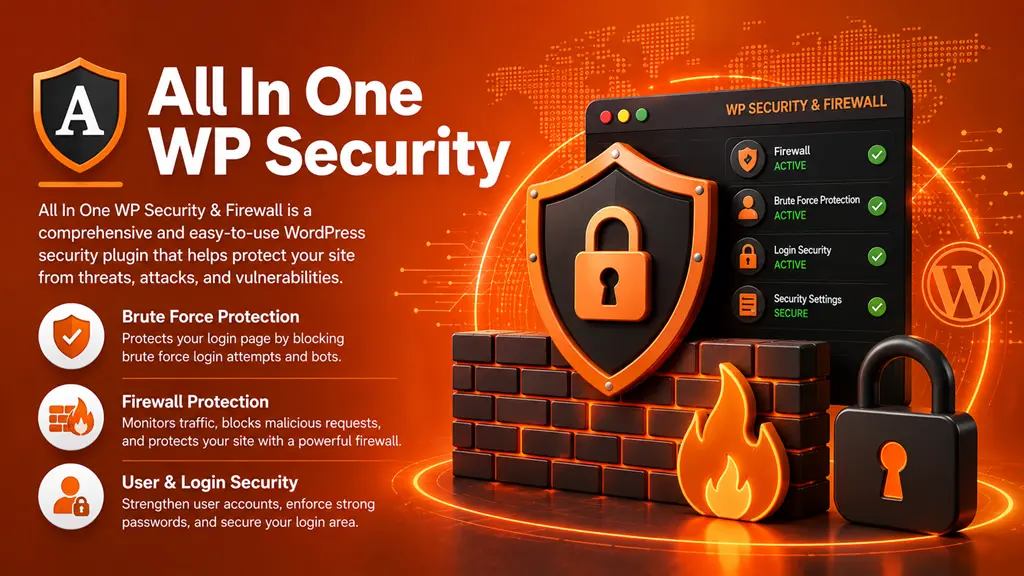
All In One WP Security is entirely free, with no premium upsell at all. It covers firewall rules, login security, and file permission checks in a straightforward, color-coded interface that shows your current security strength as a percentage.
- Standout feature: the security strength meter gives a clear, visual sense of what still needs attention.
- Best for: hobby sites and small blogs that want solid coverage without ever paying for a plugin.
- Watch out for: support is community-based only, since there is no paid tier funding a dedicated support team.
Best known for: Complete security visual scoring, firewall protection, and beginner friendliness.
Boost Your Security Score with All In One WP Security →
Our pick for most sites: start with Wordfence. Its free tier genuinely competes with other plugins’ paid plans, and you can always add a lighter tool like iThemes Security or Jetpack Protect alongside it if you want extra login hardening.
Do you actually need a premium plan?
If you’re still weighing whether WordPress itself is a safe enough platform to build on before worrying about which plugin to pick, our is WordPress secure guide covers that question first.
For most small to mid-sized sites, the free versions of Wordfence, Jetpack Protect, or All In One WP Security cover the basics well. Consider upgrading to a paid plan if any of the following apply to your site:
- You run an online store or handle customer payment or personal data.
- You have already been hacked once and want automated cleanup instead of manual fixes.
- Downtime costs you real money or traffic, so faster rule updates matter.
- You manage several client sites and want centralized alerts across all of them.
- If you’re comparing plans because your site has already been compromised, our guide to fixing a hacked WordPress site walks through cleanup step by step, including when a paid plan’s included malware removal is worth it.
Paid plans usually add faster rule updates, automatic malware removal, and priority support, which matters most when something has already gone wrong. If none of those apply, the free tier of the best WordPress security plugin for your situation is usually enough to start.
Mistakes people make when choosing a security plugin
- Running two firewall plugins at once. This does not double your protection. It usually causes conflicts, false positives, or performance issues, since both plugins try to intercept the same requests.
- Picking based on feature count alone. A plugin with fifty settings you never touch protects you less than one with ten settings you actually understand and configure correctly.
- Installing it and walking away. Every plugin on this list needs its rules and signatures updated regularly. A security plugin on default settings from two years ago is not doing much.
Best WordPress security plugin: frequently asked questions
What is the best free WordPress security plugin?
Wordfence offers the strongest free tier, including a full firewall and malware scanner. Jetpack Protect and All In One WP Security are also solid, completely free choices if you want something lighter.
Do I need more than one security plugin?
Usually not, and running two firewall plugins together can cause conflicts. It is fine to pair a firewall plugin like Wordfence with a lighter, focused tool like iThemes Security for login hardening, as long as their features do not overlap.
Will a security plugin slow down my site?
A well-built one adds minimal overhead. Cloud-based firewalls like Sucuri actually tend to speed sites up, since malicious traffic never reaches your server in the first place.
Is a paid security plugin worth it for a small blog?
For a small hobby blog, the free tiers of Wordfence or All In One WP Security are usually enough. Paid plans start to make sense once you run an online store, collect customer data, or cannot afford downtime.
What should I look for in a WordPress security plugin?
A firewall, a malware scanner, login protection, and clear alerts when something needs your attention. Anything beyond that is a bonus, not a requirement.
Can a security plugin remove malware automatically?
MalCare and Sucuri’s paid plans both offer one-click or automatic malware removal. Wordfence’s free version will identify infected files but requires you to remove them manually or upgrade for automated cleanup.
Does my hosting provider’s security make a plugin unnecessary?
No. Hosting protects the server level, but a plugin protects your specific WordPress install, its plugins, and its users. You need both layers working together.
Discover more from Master WordPress with Free Tutorials & Guides
Subscribe to get the latest posts sent to your email.

1 thought on “Best WordPress Security Plugins for 2026 (Compared & Ranked)”
Pingback: How to Secure WordPress Login Page & Admin Area (2026 Guide)