
Case studyFigma to Elementor website
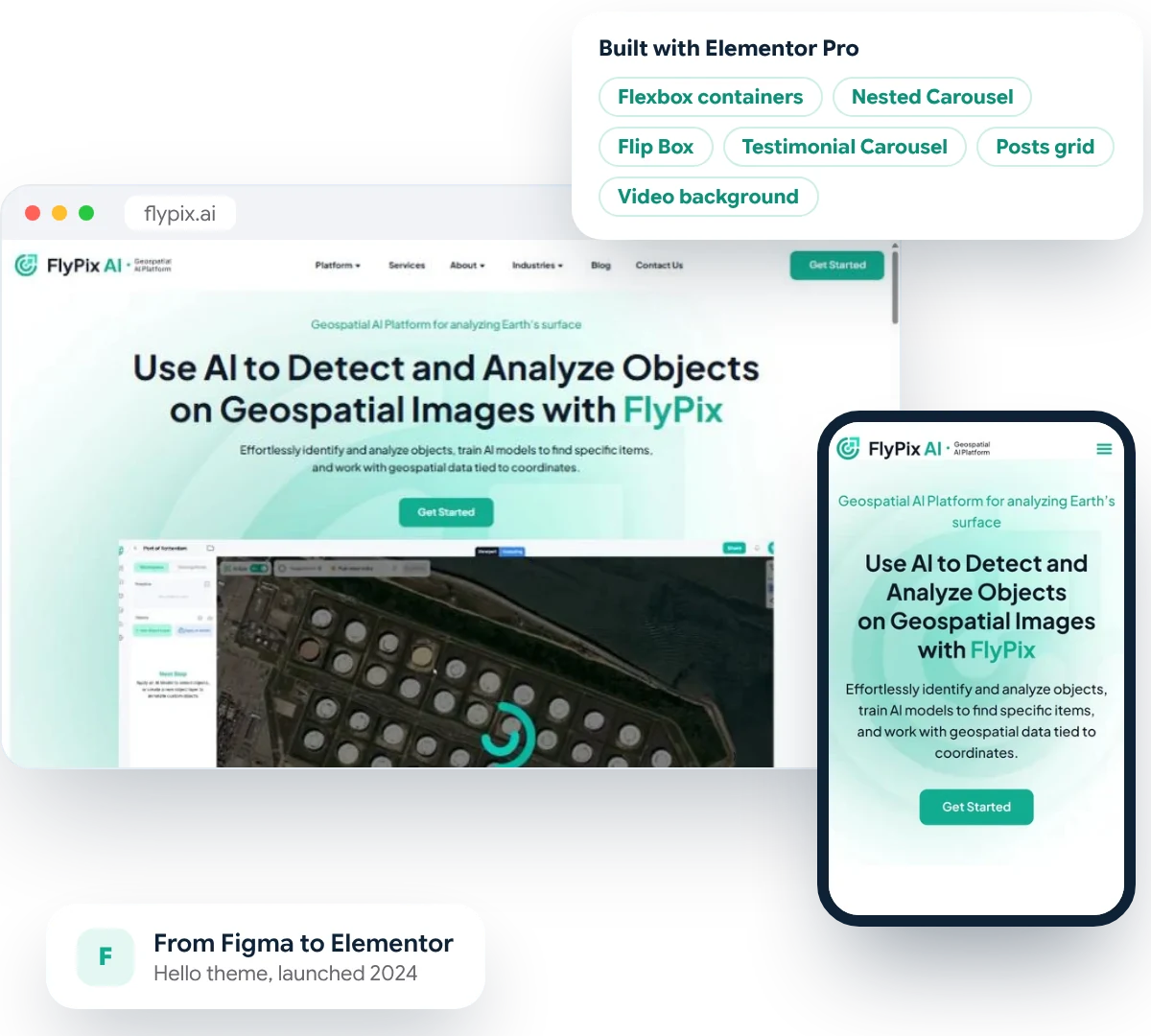
FlyPix AI: a detailed Figma design, built in Elementor Pro.
- 100% Job Success on Upwork
- 700+ websites launched
- Since 2015
The challenge
A detailed Figma design that had to stay editable
The brief
Rich, interactive design. Many audiences.
- A detailed Figma design from FlyPix’s own designer, full of satellite imagery and product previews
- Interactive parts: carousels, flip cards, a video hero and a news feed
- Buyers in government, energy, agriculture, mining and more, each needing their own landing page
What we delivered
An Elementor Pro website the FlyPix team can run.
- Every Figma screen built with Elementor Pro Flexbox containers on the lightweight Hello theme
- Interactive sections rebuilt with Elementor Pro widgets the team can edit
- 10 industry landing pages and a blog with post templates
- Responsive on desktop, tablet and mobile

Our process
How we built FlyPix AI’s website
01
Review the Figma
02
Set up the foundation
03
Build the pages
04
Industries and blog
05
Test and launch
Elementor Pro
Interactive sections the team can edit.
- Flexbox containers
- Nested Carousel
- Flip Box
- Testimonial Carousel
- Posts grid
- Video background
- Hello theme

The result
The pages we built

Homepage
Homepage hero

Homepage
Industries grid
Homepage
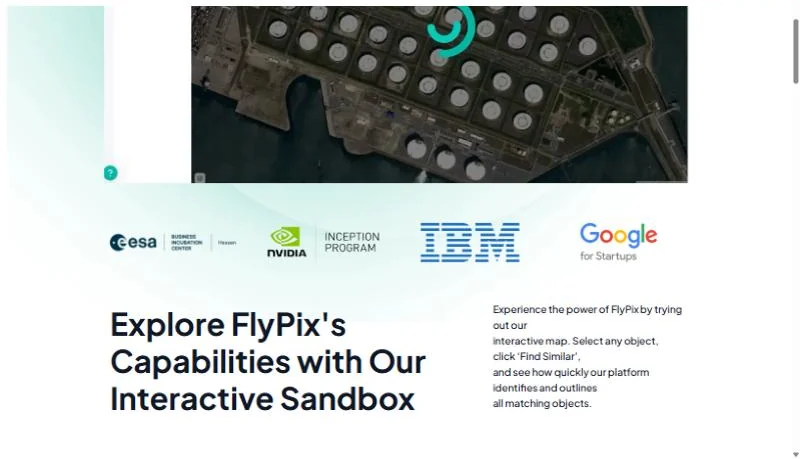
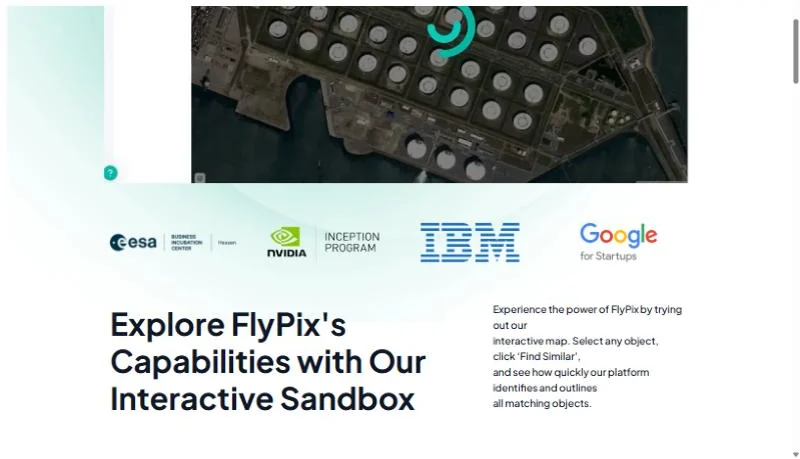
Trust strip

Responsive
Mobile homepage
Have a Figma design ready to build?
Why PhpYouth
The team behind 700+ websites since 2015
Before you ask
Figma to Elementor questions
What did PhpYouth build for FlyPix AI?
We built the FlyPix website in WordPress with Elementor Pro from their designer’s Figma file: the homepage and main pages, 10 industry pages, and the blog with its post templates. We also made the site multilingual, which has its own case study.
Is flypix.ai still built in Elementor?
No. Our Elementor build ran from summer 2024 to autumn 2026. FlyPix has since moved its website to a different platform, so the screenshots on this page show the site as we built it.
Can you build our Figma design in Elementor?
Yes. Send us the Figma file. We review every screen, then build it with Elementor Pro Flexbox containers so your team can edit text, images and sections without a developer.
Will the website look exactly like our Figma design?
We match your layout, spacing, fonts and colours closely on desktop, tablet and mobile, and agree any changes with you, for example where a design detail would slow the page down.
How long does a Figma to Elementor build take?
It depends on the number of pages and how interactive they are. You get a firm timeline in your written proposal before any work starts.
Start your project
Turn your Figma design into a fast, editable website.
Share your details
Two minutes, this form. No commitment.
Free consultation call
We review your design and what your website needs to do.
Written proposal
Scope and timeline, before any work starts.
- No obligation
- Clear proposal
- Dedicated project manager
Get your free quote
Fields marked * are required.
More work