
Have a Figma design ready? We’ll build it in WordPress.
Get a free quoteHome/Case studies/Kimbal
Case studyFigma to WordPress
Figma to WordPress: 8 pages for Kimbal, built with ACF.

The challenge
Eight pages that had to stay bold in WordPress
The brief
Eight pages that carry real weight.
- Investor, certification and company pages that have to look credible to utilities and shareholders
- Three AI product pages with oversized type, organic image masks and motion that templates cannot handle
- Content the team updates often, from board members to news, without calling a developer
What we delivered
Hand-coded templates with ACF behind every section.
- All eight Figma pages rebuilt as WordPress templates, faithful to the design
- Labelled ACF fields for text, images, board profiles, certificates and news
- No page builder, so pages stay light and the design cannot drift

Our process
How we took Kimbal from Figma to WordPress
01
Audit the Figma frames
02
Map sections to ACF
03
Build in Kimbal’s theme
04
Add the motion
05
Test and launch
Why ACF
Hand-coded templates with ACF, not a page builder
- Lean, hand-written code on every page
- Design locked to the Figma system, so brand stays consistent
- Editors fill in labelled fields, no layouts to break
- Reusable blocks for new product and solution pages
- Extra scripts and markup loaded on every page
- Easy to drift away from the brand design over time
- Editors can accidentally move or delete layouts
- Pages get slower as more widgets are added
The result
The 8 pages we took from Figma to WordPress
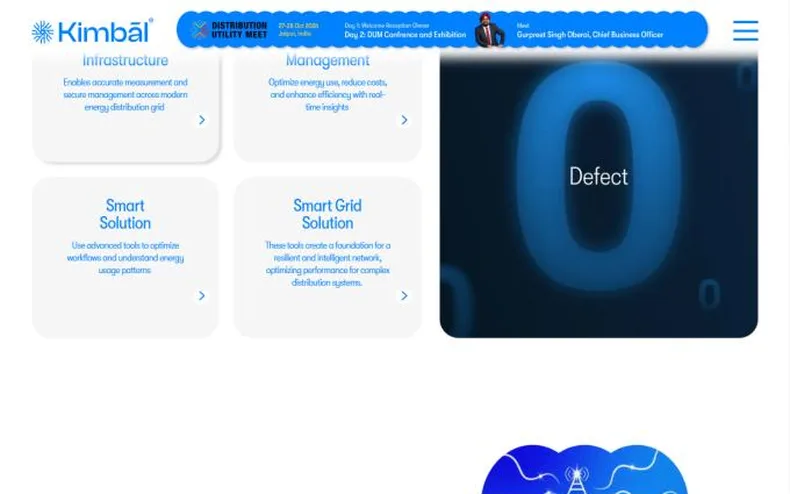
1HubSolutions hub
One page that introduces all four solution families, from metering to smart grid.
View live page
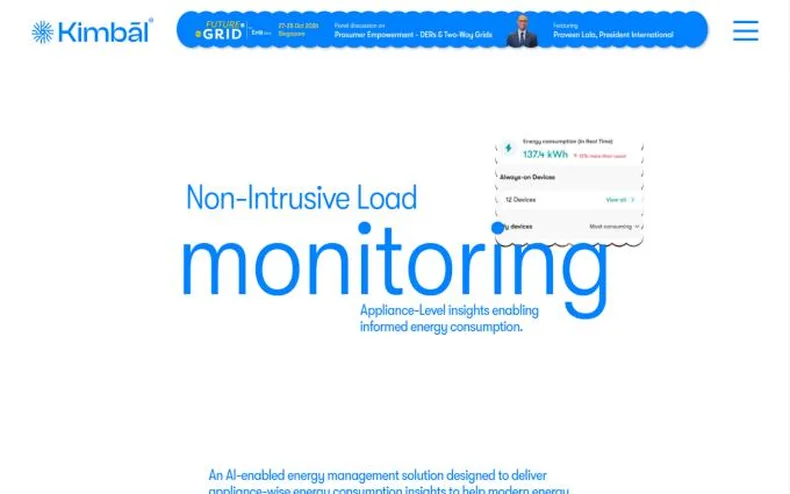
2ProductNon-Intrusive Load Monitoring
An AI product page explaining appliance-level energy insights, the plug-in device and the app.
View live page
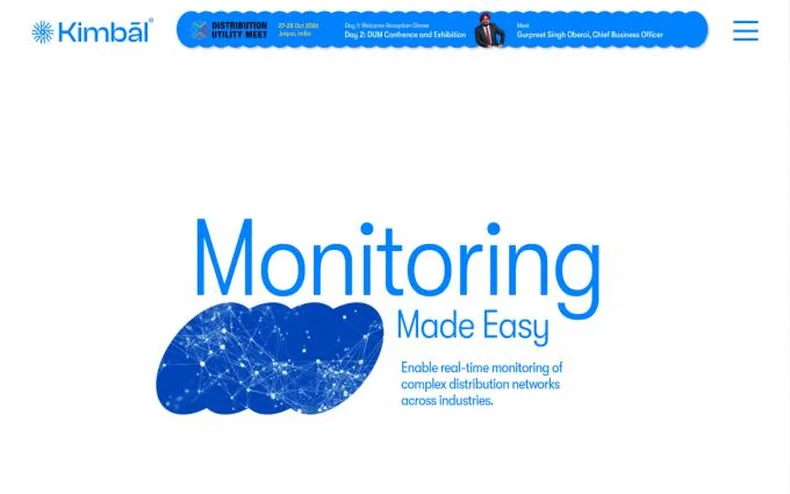
3ProductEnergy Monitoring Tool
Real-time monitoring of complex distribution networks, explained feature by feature.
View live page
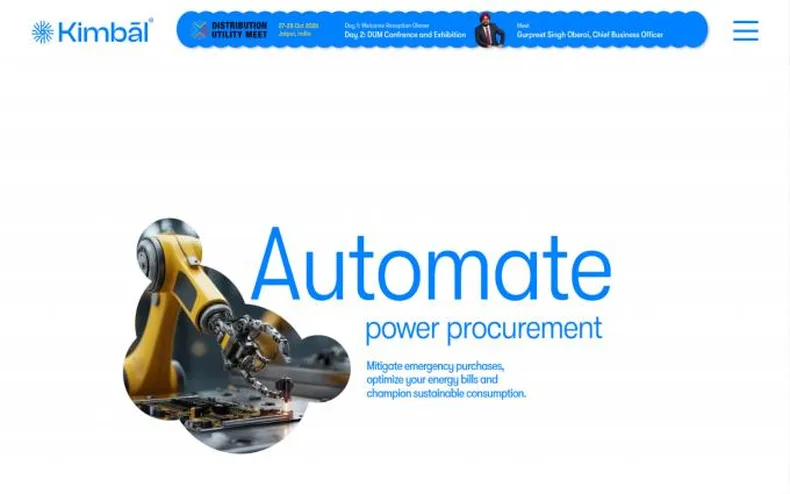
4ProductEnergy Management Solution
AI-driven power procurement for utilities, built around one bold message: automate.
View live page
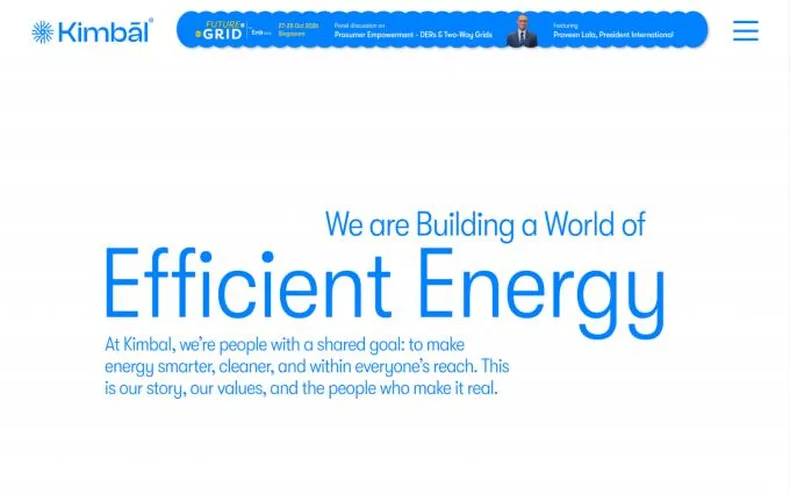
5AboutCompany
Kimbal’s story, values, plants and people, brought together on one page.
View live page

6TrustInvestor relations
Board of directors, corporate governance and shareholder communication.
View live page
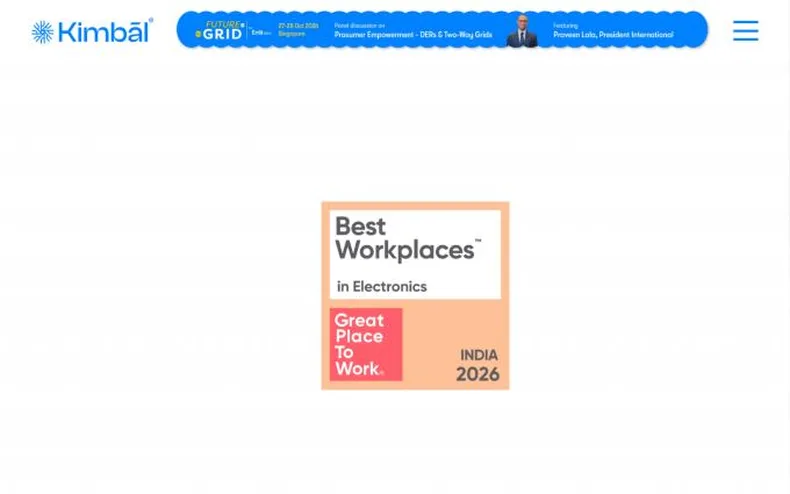
7TrustCertifications
Indian Standards, CMMI and Great Place to Work recognition, in one credible grid.
View live page
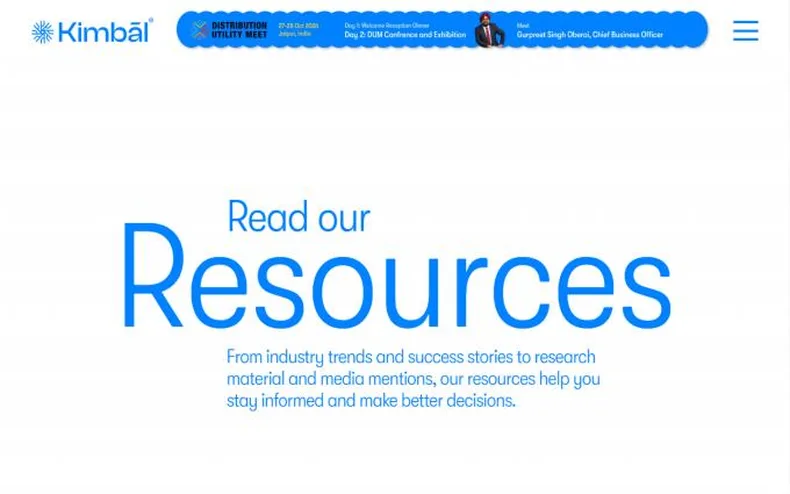
8HubResources hub
News, events, thought leadership and energy blogs, organised for easy browsing.
View live pageWhat the team gets
Content updates in minutes, not tickets

Have Figma pages ready to build?
Why PhpYouth
The team behind 700+ websites since 2015
Before you ask
Figma to WordPress questions
What does Figma to WordPress mean?
It means taking a website designed in Figma and turning it into a real, working WordPress site that looks the same, works on every screen size and can be edited by your team.
Do you build with a page builder or custom code?
Both. For Kimbal we built hand-coded page templates with Advanced Custom Fields (ACF), which keeps pages light and the design consistent. When a team wants drag-and-drop editing, we build with Elementor instead.
Will my team be able to edit the site after launch?
Yes. With ACF, every section has clearly labelled fields for text, images, numbers and links, so updates do not need a developer.
Will the WordPress site match my Figma design?
Yes. We check every page against the Figma frames on desktop, tablet and mobile before launch, and fix differences you can see.
What do you need from us to start?
View access to the Figma file, any brand fonts, and a list of pages. Dev Mode access helps but is not required.
Start your project
Turn your Figma design into a WordPress website.
- 1Share your Figma linkTwo minutes, this form. No commitment.
- 2Free consultation callWe review the design and agree how your team will edit the site.
- 3Written proposalScope, timeline and fixed price, before any work starts.
Get your free quote
Fields marked * are required.
More work