
Home›Case studies›Introhive
Case studyBlog and resources templates
Introhive: a resource center that sorts itself.
- 100% Job Success on Upwork
- 700+ websites launched
- Since 2015
The challenge
A growing library of content that needed to be easy to browse
The brief
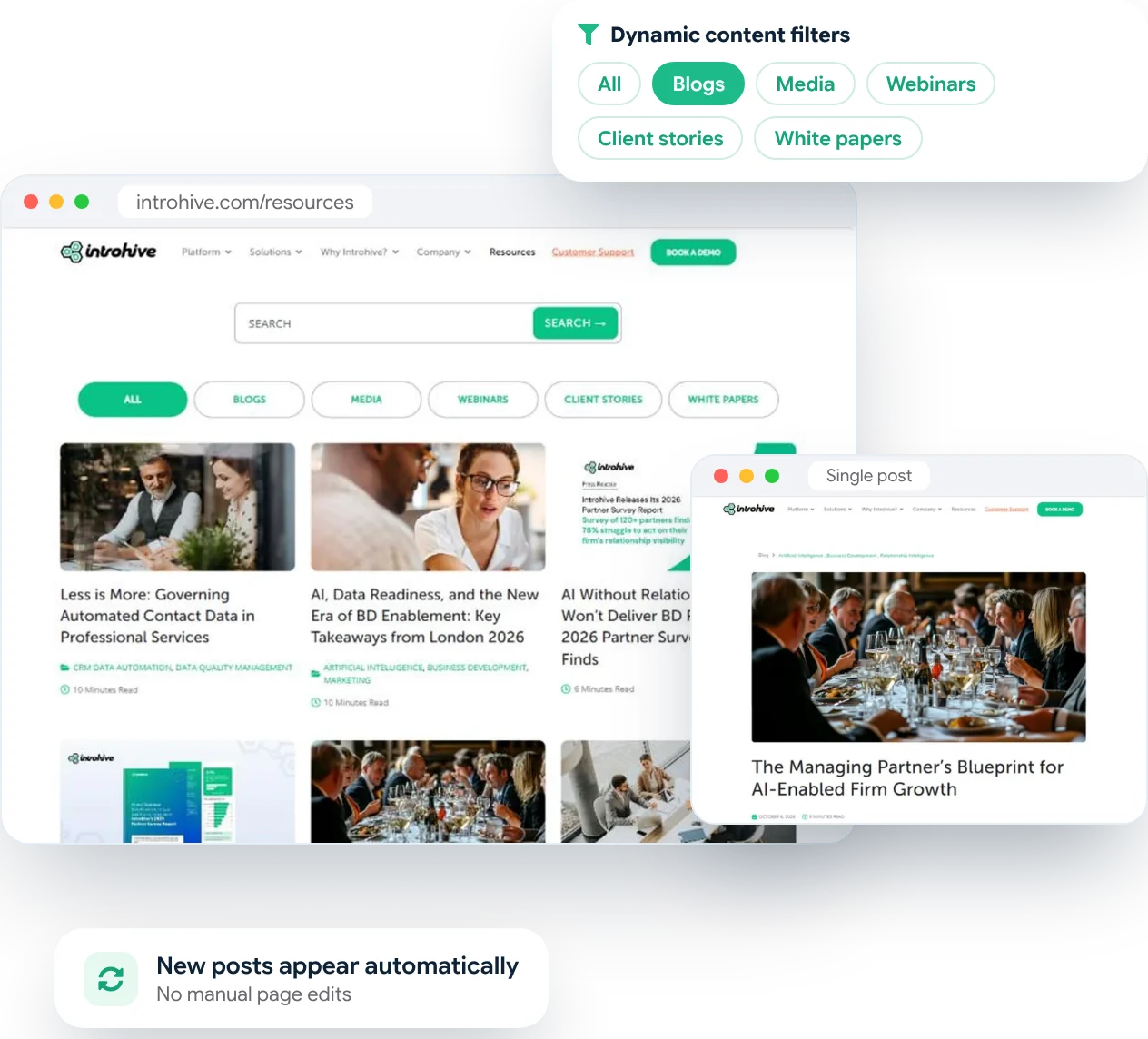
Lots of great content, mixed together.
- Blogs, media, webinars, client stories and white papers all published in one place
- Readers needed to find the right kind of content quickly
- Long, detailed articles that had to stay easy to scan and read
What we delivered
Three focused templates and a filter that runs itself.
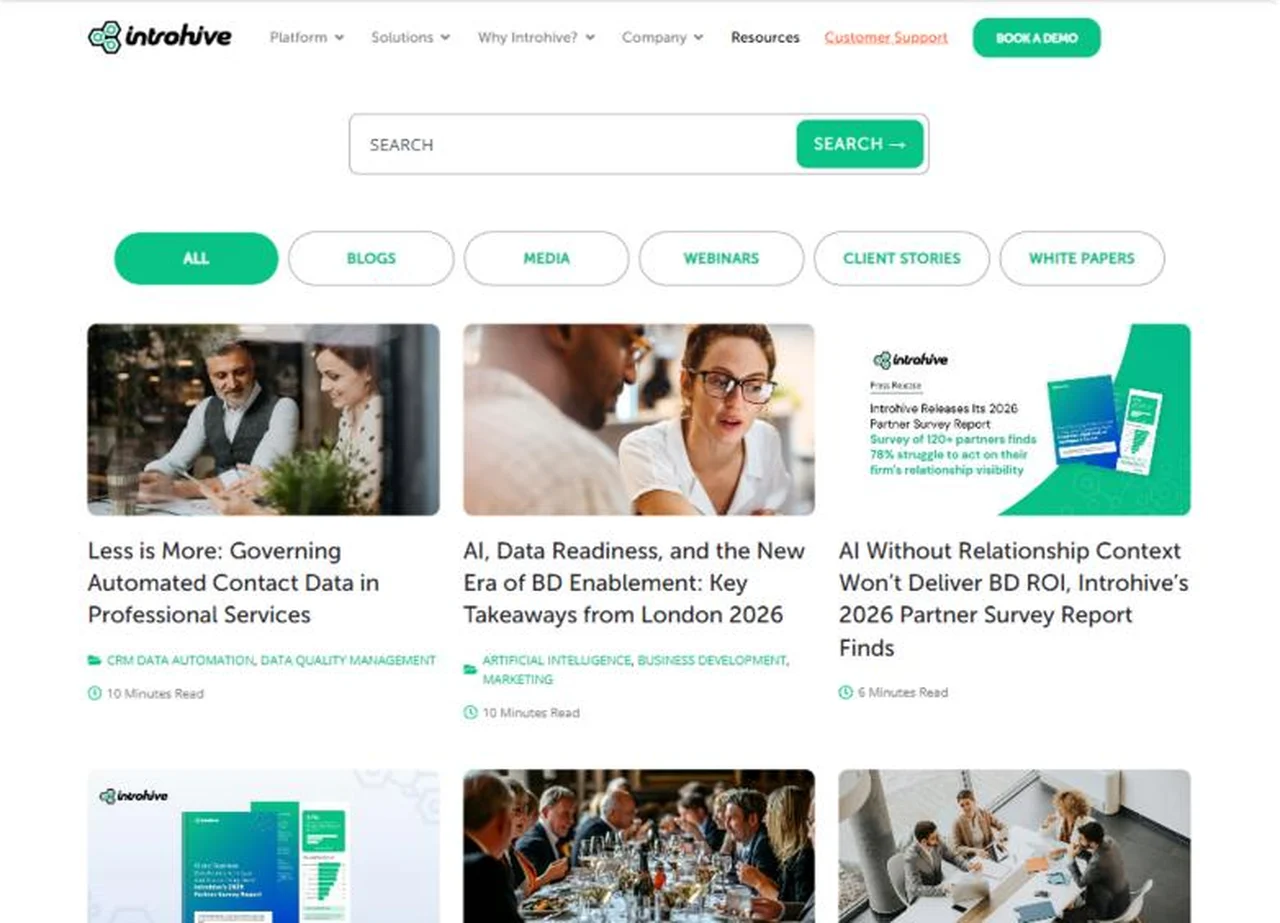
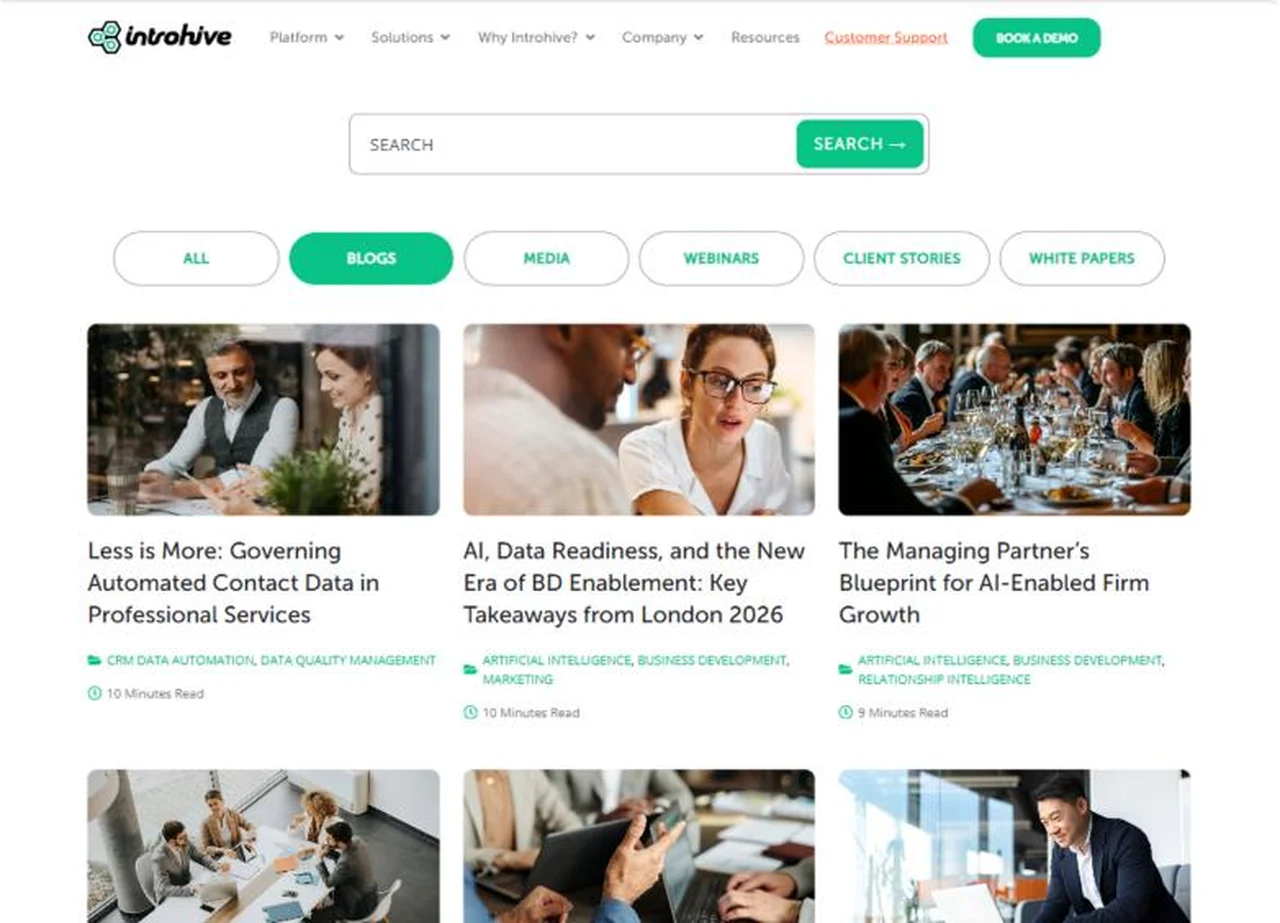
- A resources hub with search and one-click content type filters
- A blog listing with clear cards: image, title, topic tags and reading time
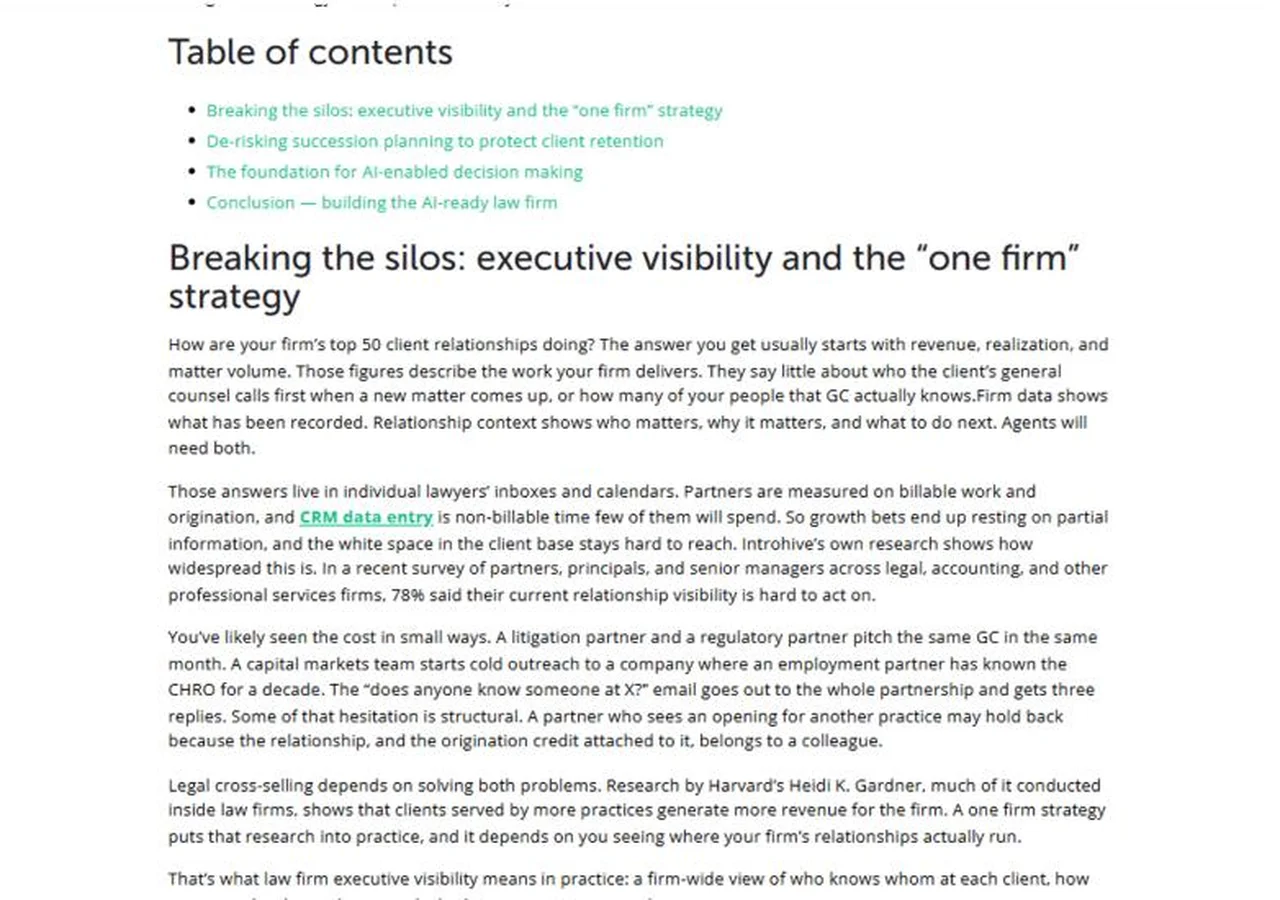
- A single post template with breadcrumb, date, reading time, table of contents and related articles
Our process
How we built Introhive’s blog and resources pages
01
Review the content
02
Design the templates
03
Refine with Introhive
04
Make the filter dynamic
05
Test and hand over
Dynamic filtering
Publish once. It appears in the right place.
- All
- Blogs
- Media
- Webinars
- Client stories
- White papers
The result
The templates we designed
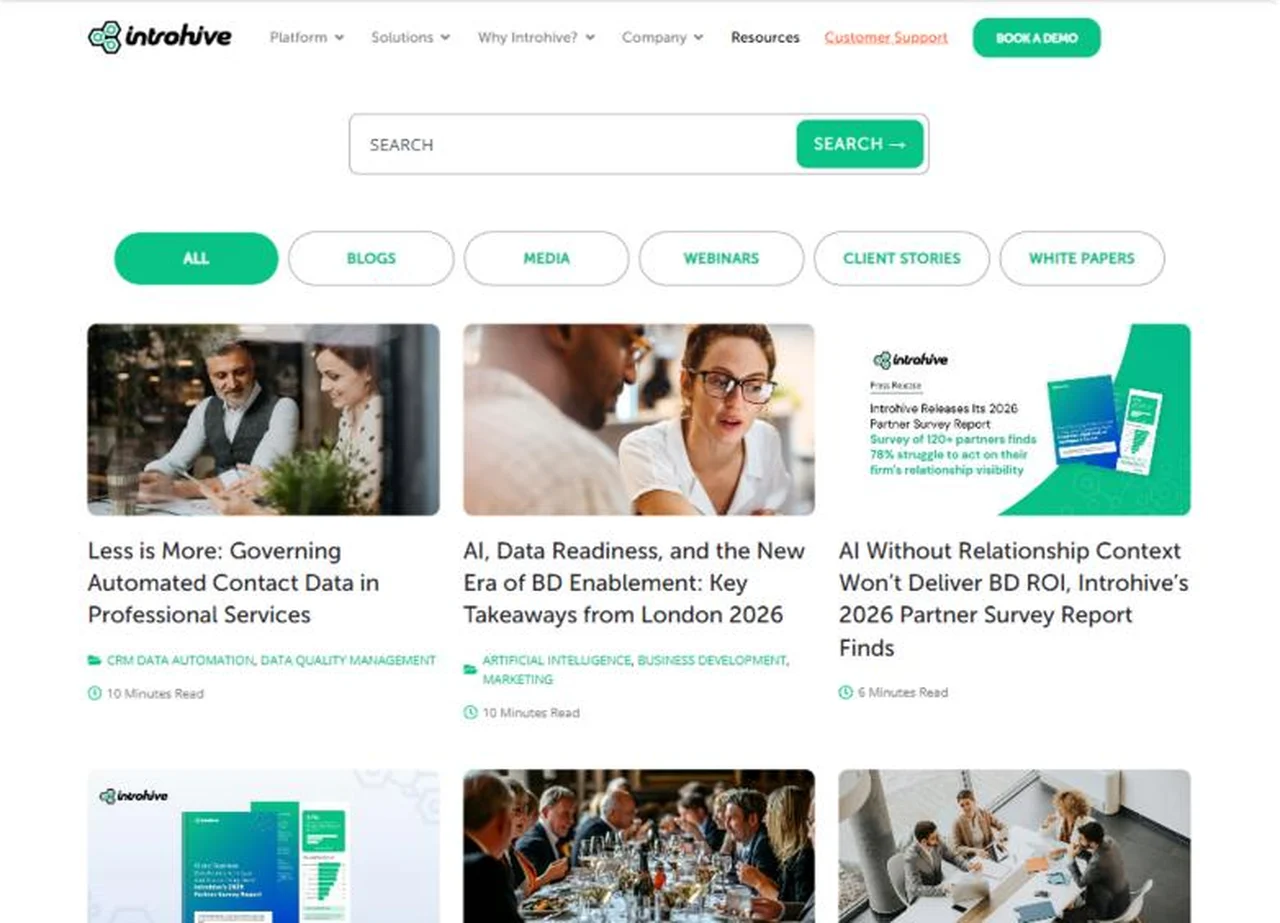
Listing template
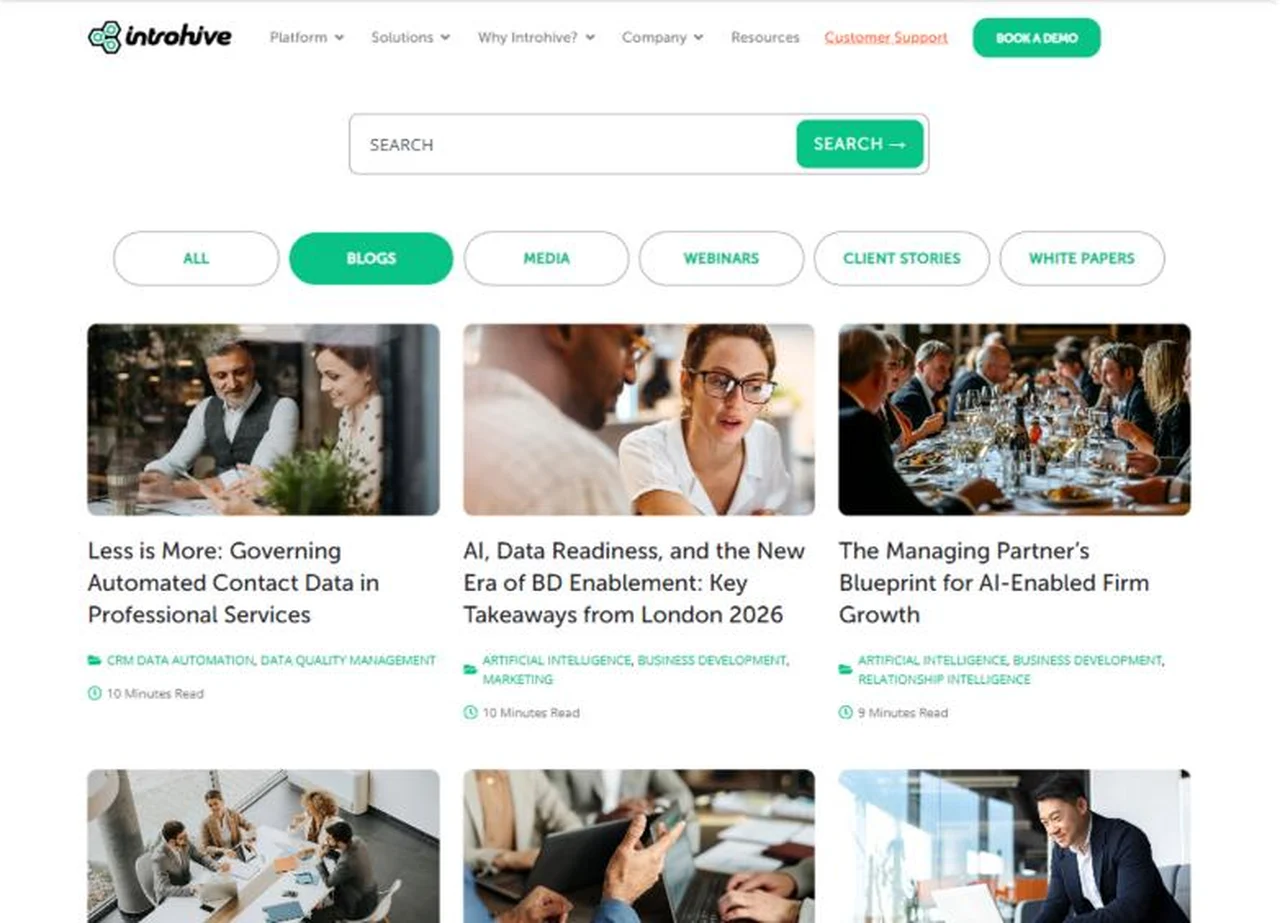
Filtered view
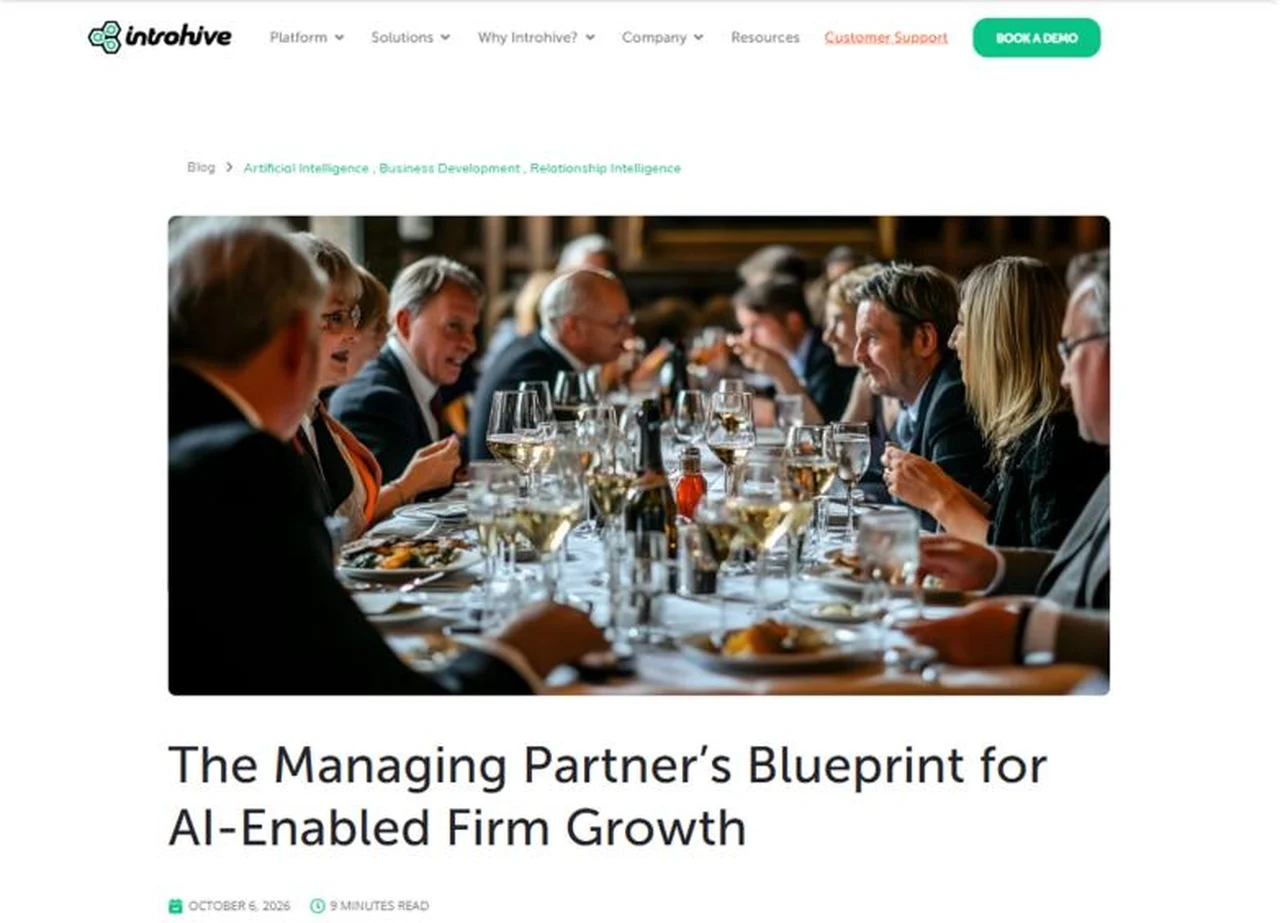
Post template
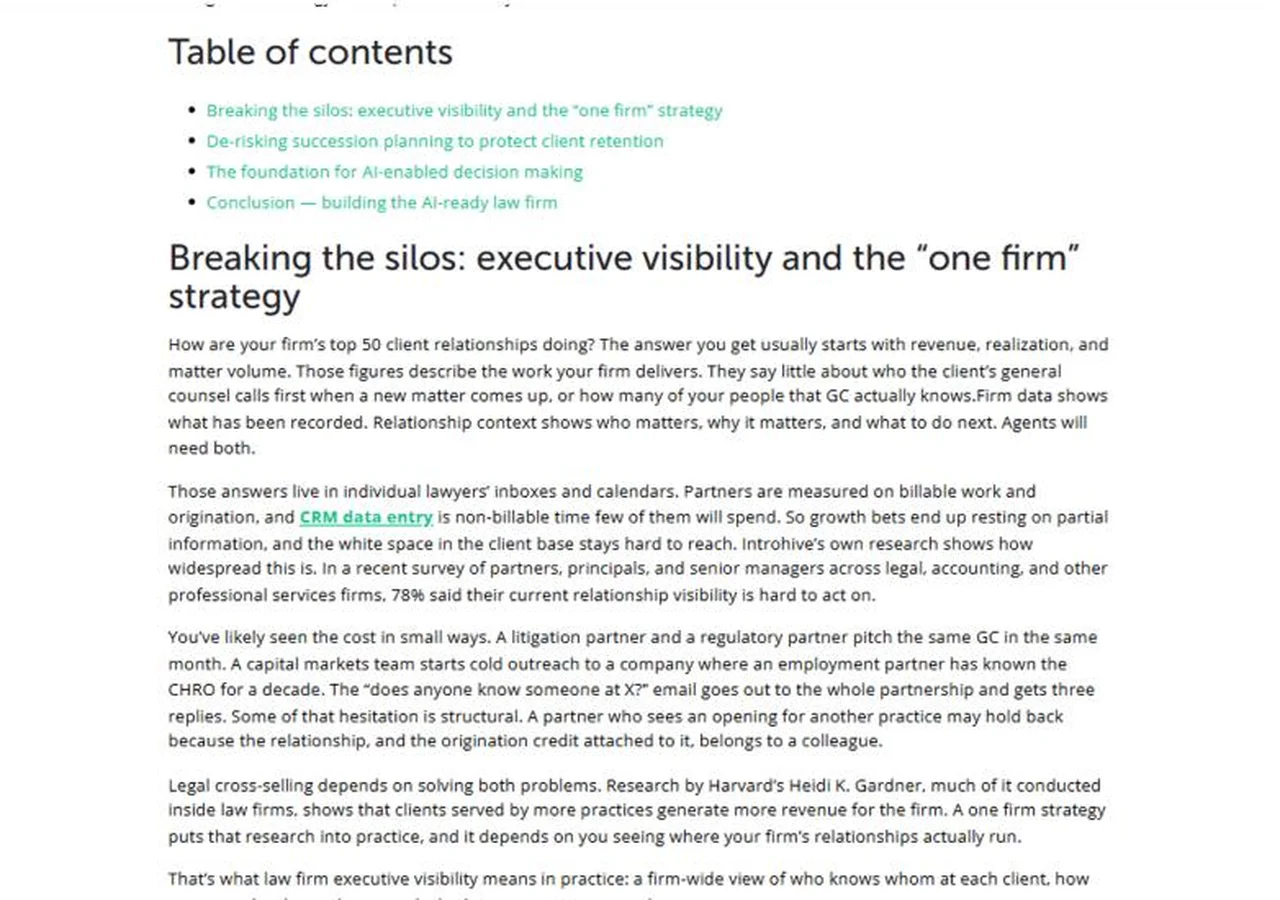
Post template
Is your blog or resource center hard to browse?
Why PhpYouth
The team behind 700+ websites since 2015
Before you ask
Blog and resource template questions
What did PhpYouth work on for Introhive?
We designed the resources hub, the blog listing page and the single post template, and made the resources filter dynamic. The rest of introhive.com was not part of our project.
Can you redesign just our blog without changing the rest of the site?
Yes. We often work on specific templates such as a blog, resources hub or single post, and match them to your existing brand and header.
What does a dynamic filter mean?
Each filter pulls content automatically by type or category, so new posts appear in the right place as soon as they are published, without anyone editing a page.
Will our team still publish posts the same way?
Yes. Your team keeps writing and publishing in WordPress as usual. The templates handle the layout, tags, reading time and placement.
Can you add a table of contents and related articles to our posts?
Yes. Both are built into the single post template, so every article gets them automatically.
Start your project
Get a blog and resource center readers can actually use.
Share your details
Two minutes, this form. No commitment.
Free consultation call
We review your content and what your readers need.
Written proposal
Scope and timeline, before any work starts.
- No obligation
- Clear proposal
- Dedicated project manager
Get your free quote
Fields marked * are required.
More work