
Have a Figma design ready? We’ll build it in Elementor Pro.
Get a free quoteHome/Case studies/EngineHire
Case studyFigma to Elementor Pro
Figma to Elementor Pro: EngineHire’s 200+ page website.
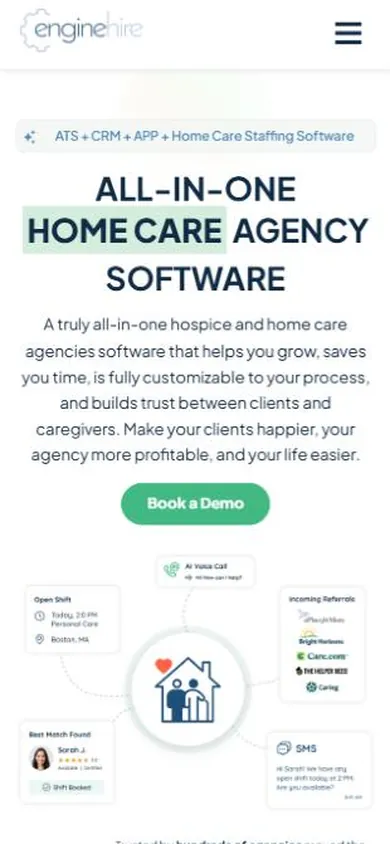
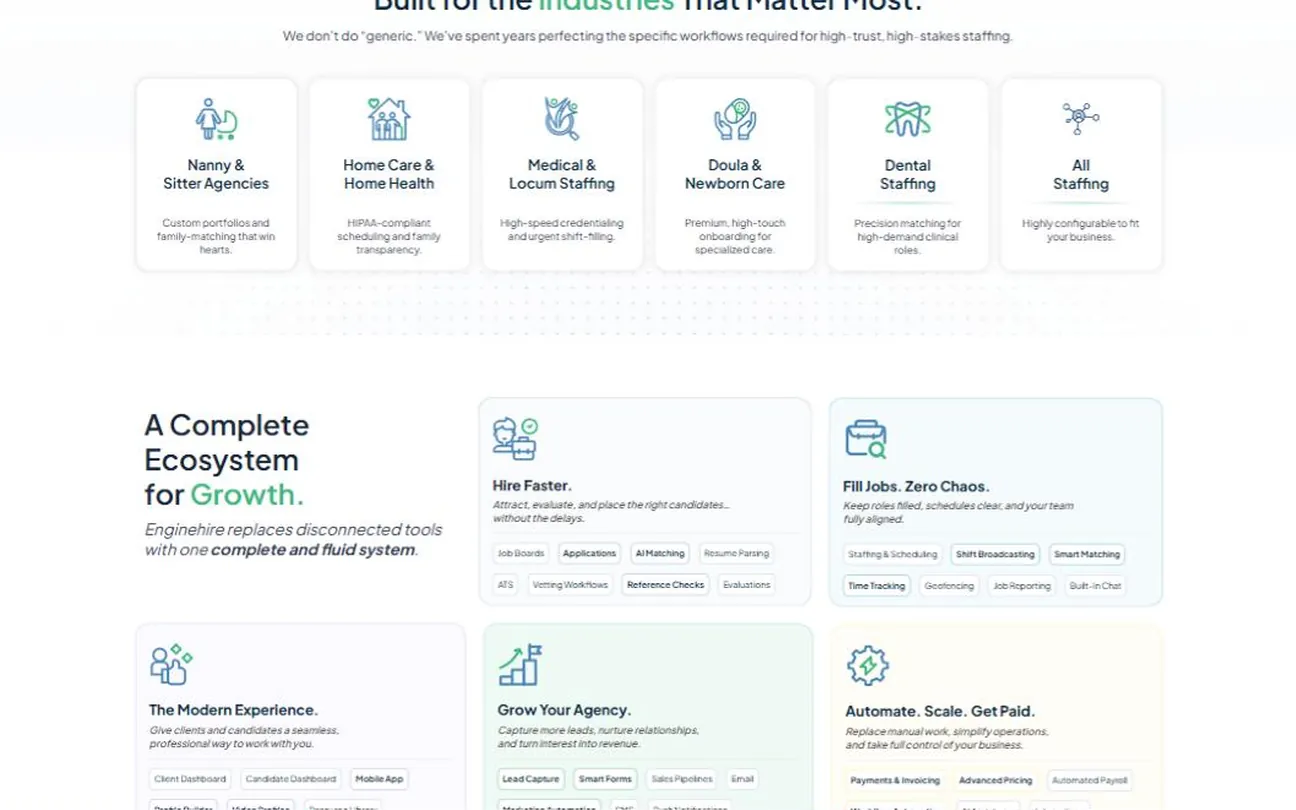
EngineHire is software for staffing agencies, from nanny and home care to healthcare and recruiting. Their designer handed us the Figma file and we built the whole marketing site in Elementor Pro: homepage, 14 industry pages, 22 feature pages, pricing, blog and podcast, all on templates the team reuses.
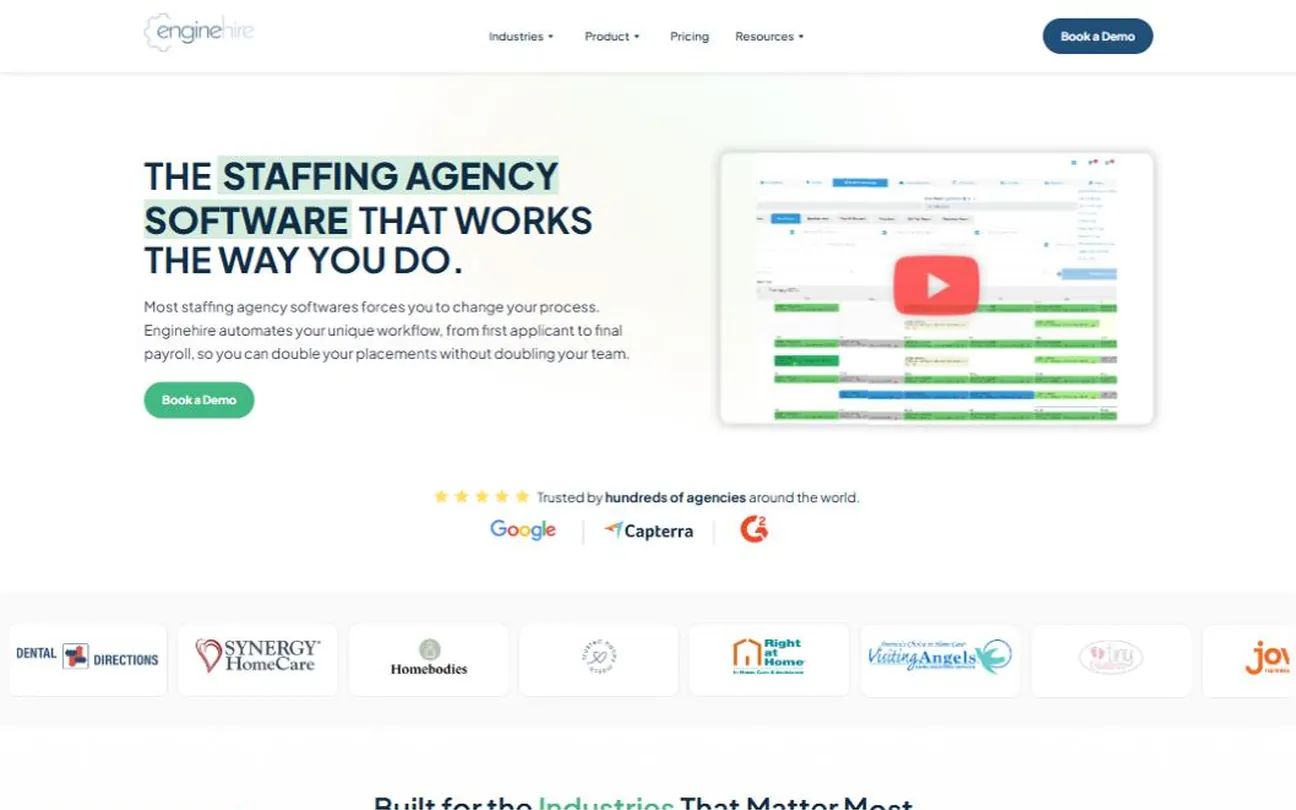
The challenge
One Figma design, more than 200 pages
The brief
A detailed design that had to scale.
- A detailed Figma design system that had to hold up across the whole site, not just the homepage
- 14 industries and 22 product features, each needing its own page, without dozens of one-off builds
- A marketing team that keeps launching landing, webinar and conference pages
What we delivered
A template system in Elementor Pro.
- Global colours, Plus Jakarta Sans type styles and buttons set once in the site kit
- Master templates for industry, feature and landing pages, so every new page starts from a finished layout
- Theme Builder header with mega menu, footer, blog and post templates used site-wide

Our process
How we took EngineHire from Figma to Elementor Pro
01
Audit the Figma file
02
Set up the design system
03
Build master templates
04
Wire the site-wide parts
05
Roll out and test
Homepage tour
Scroll the homepage we built
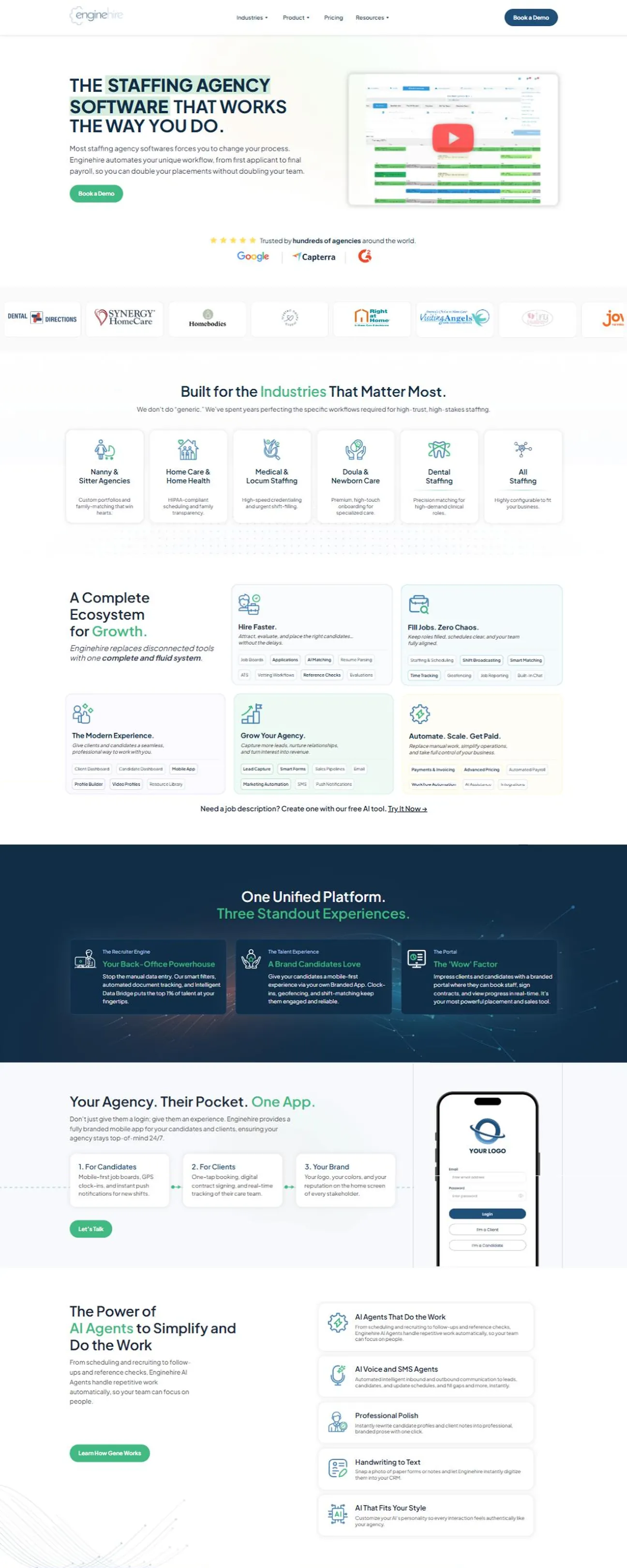
Scroll inside the frame to see more of the page
Why templates
A template system, not 200 one-off pages
- Change a global colour or the header once, every page updates
- A new industry or feature page starts from a finished layout
- Marketing edits text and images in the visual editor
- Spacing and type stay true to Figma across 200+ pages
- Every page styled by hand, so it drifts from the design
- Header and footer fixes repeated page by page
- New pages wait for a developer to rebuild the layout
- Duplicate styles add weight and slow pages down
The result
The templates behind 200+ pages
Homepage
Industries, product ecosystem, branded app and AI agents in one long-scroll story.
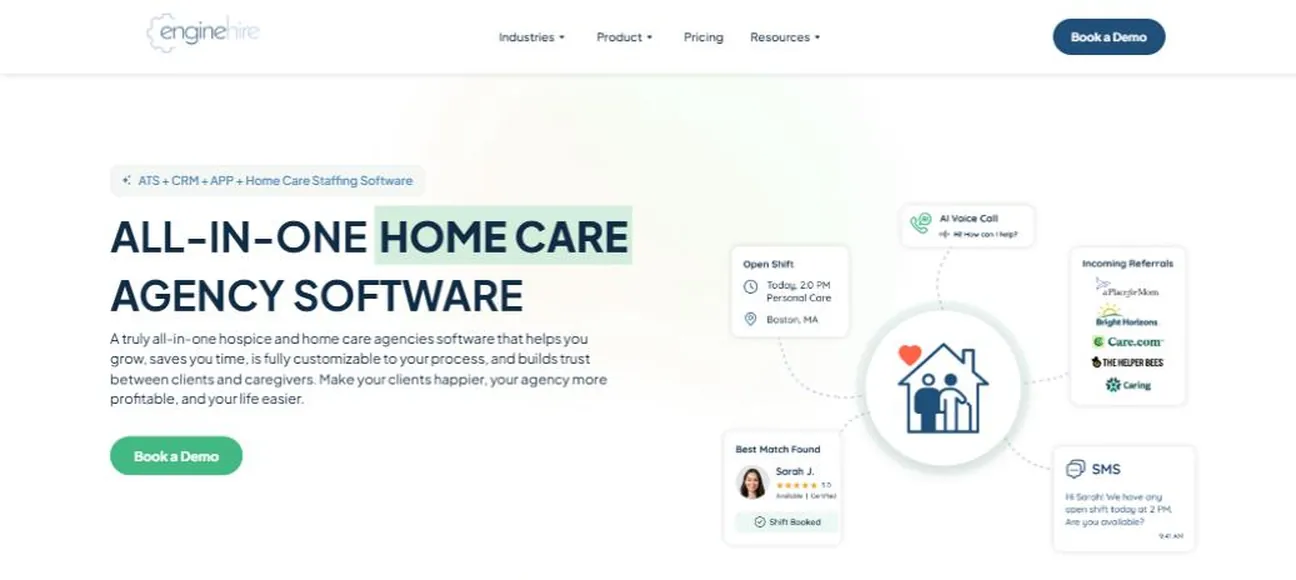
14 industry pages
One template, tuned per industry: home care, nanny, healthcare, dental, au pair and more.
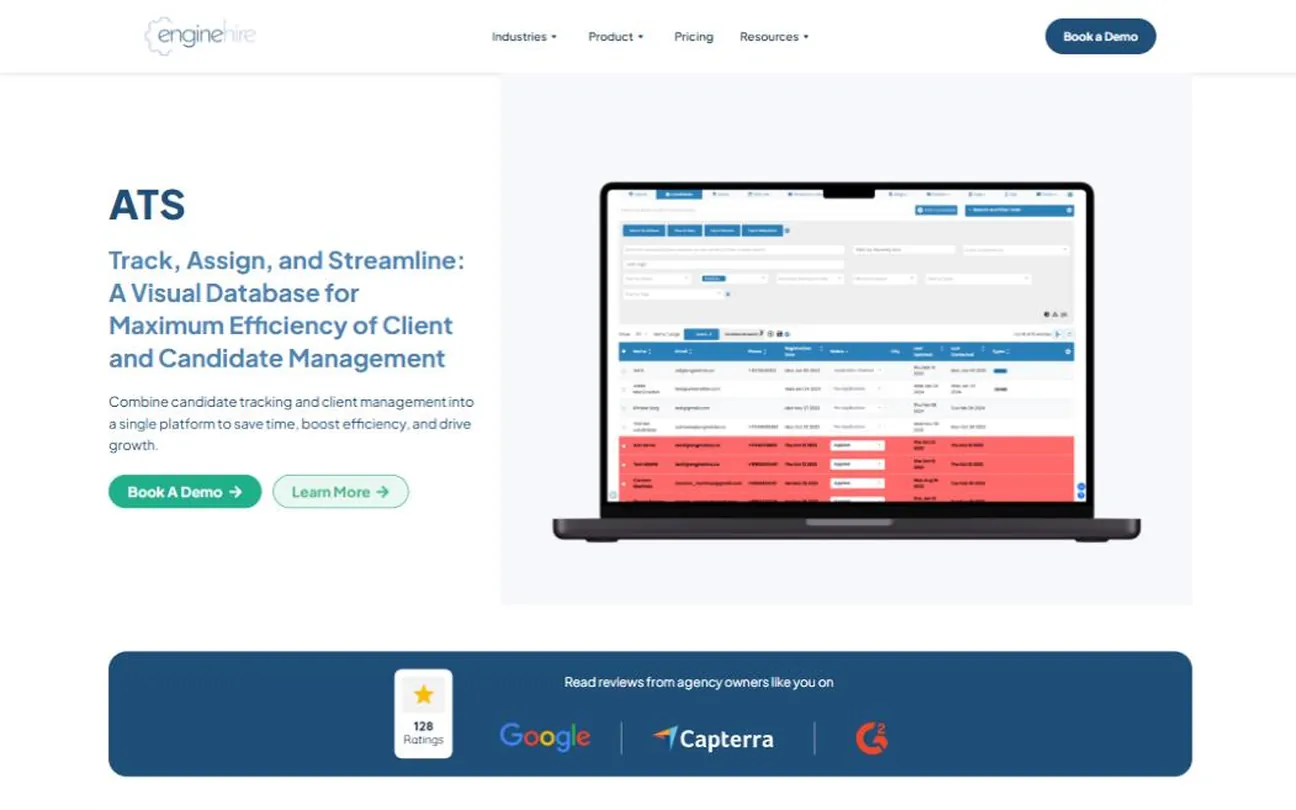
22 feature pages
Every product feature, from ATS to payroll, on a shared layout.
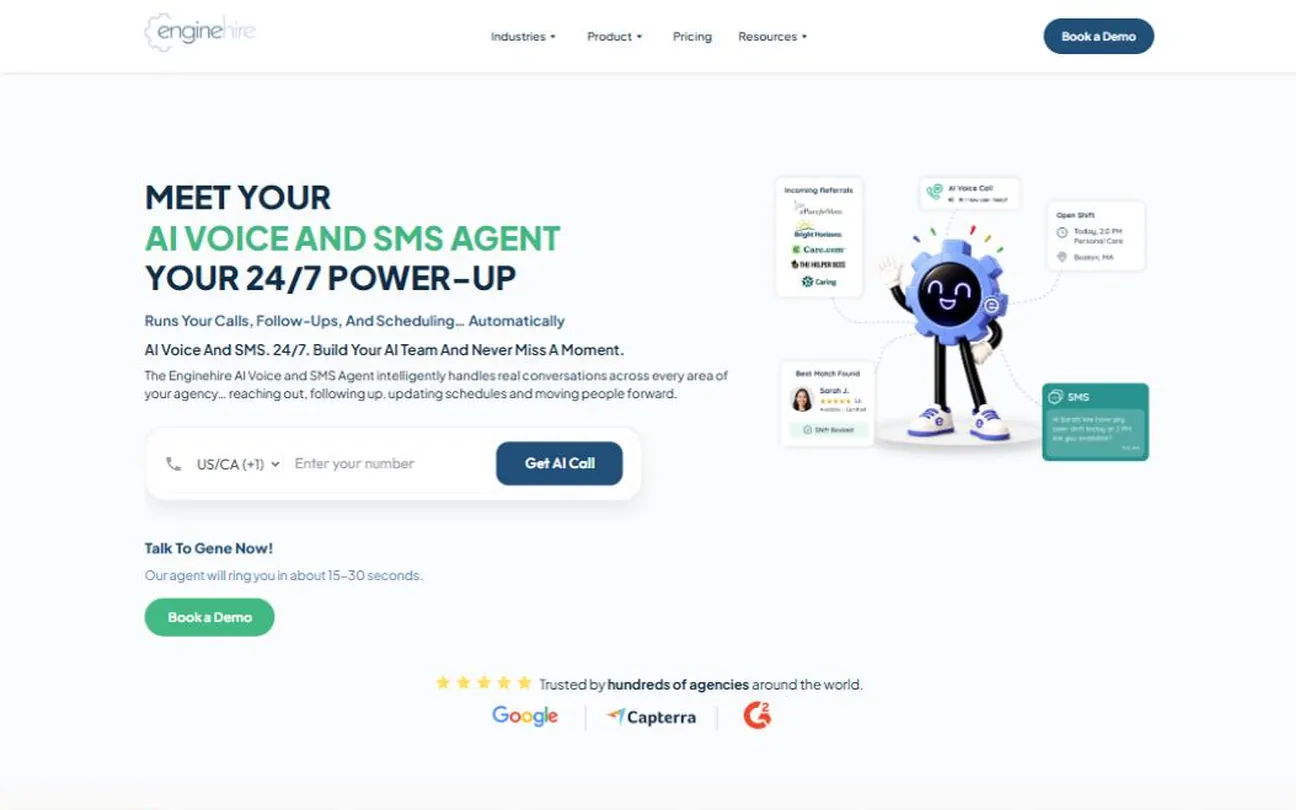
AI agent pages
An interactive hero with a call-me form for EngineHire’s AI voice and SMS agent.
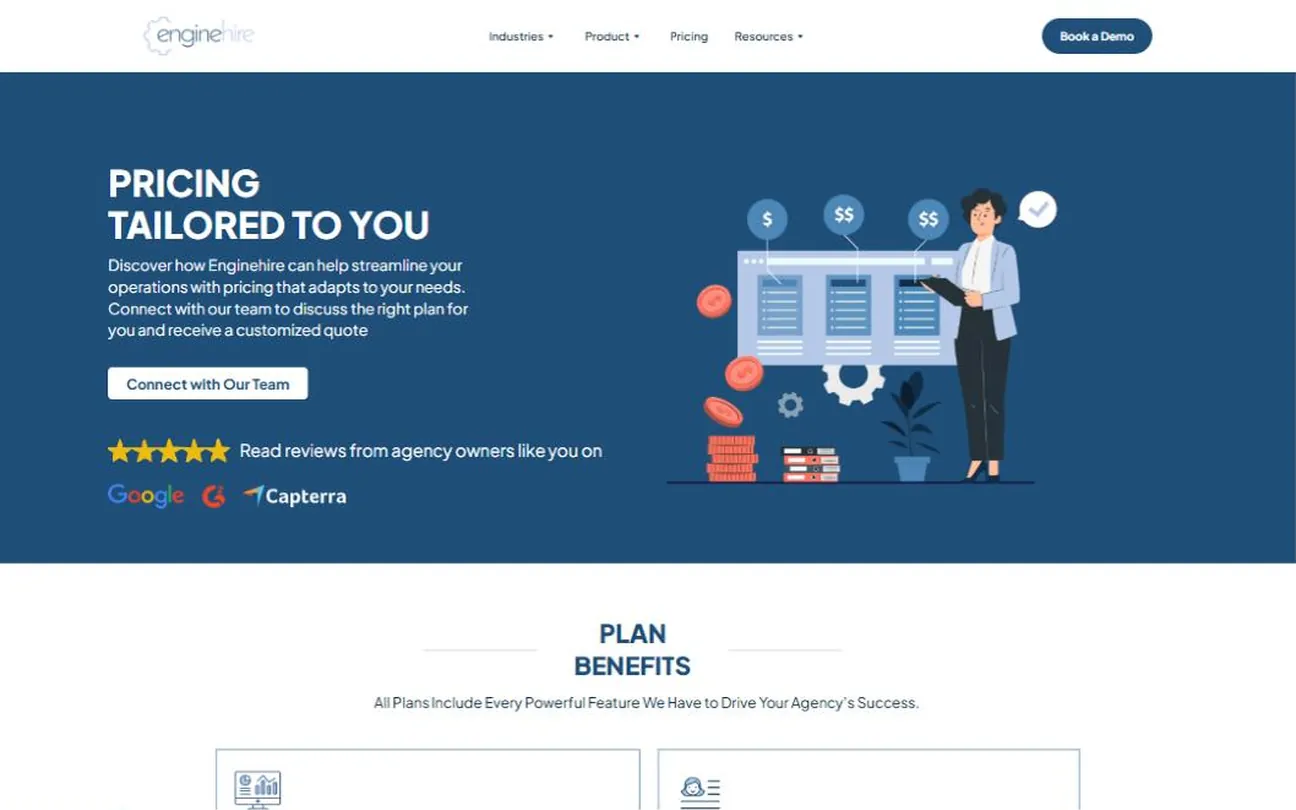
Pricing
A quote-led pricing page with plan benefits and reviews.
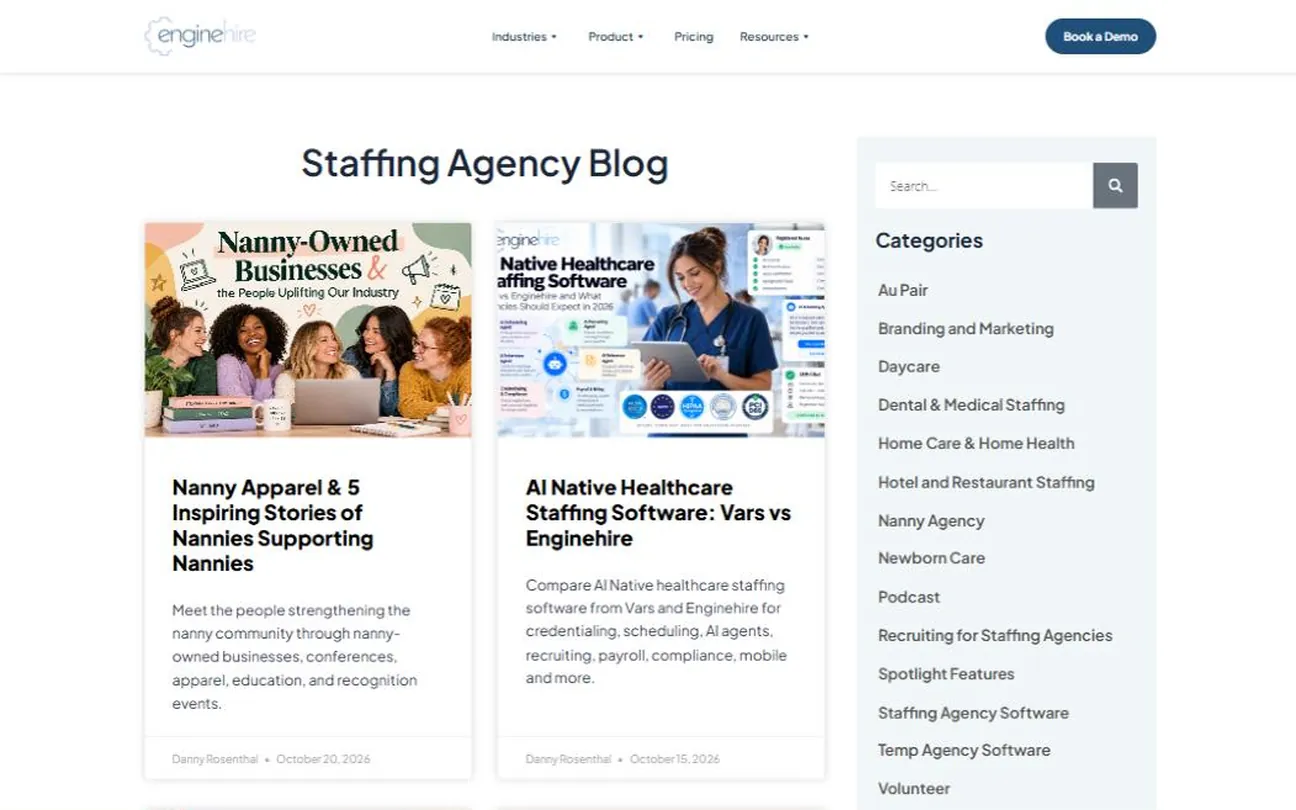
Blog and resources
600+ posts on one Theme Builder archive and post template, with categories and search.
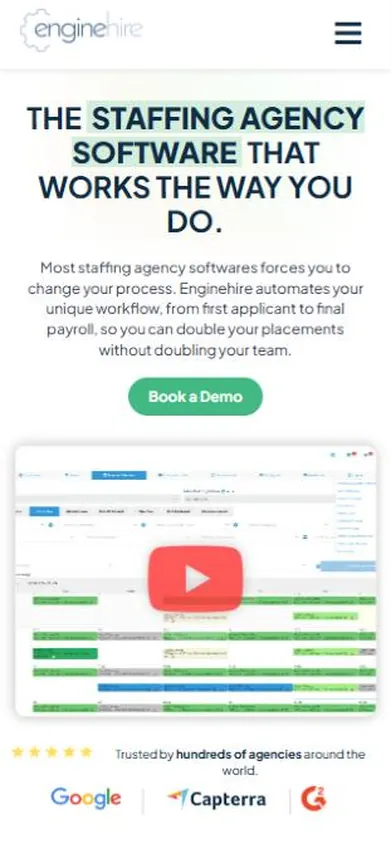
Built for speed
Lighter pages, faster loads
The toolkit
Elementor Pro, used properly
+348%
Then we helped it rank.
Have a Figma design ready to build?
Why PhpYouth
The team behind 700+ websites since 2015
Before you ask
Figma to Elementor Pro questions
What does Figma to Elementor Pro mean?
It means taking a website designed in Figma and building it in WordPress with Elementor Pro, so it looks like the design, works on every screen size and your team can edit it visually.
Can Elementor Pro handle a large website?
Yes, when it is built on templates. EngineHire runs 200+ pages and 600+ blog posts on shared templates, global styles and Theme Builder parts, so the site stays consistent as it grows.
Will my team be able to edit the site?
Yes. Text, images and buttons are edited in the visual editor. Global colours, fonts and templates protect the design, so edits do not break the layout.
Will the Elementor site match my Figma design?
Yes. We set up the design system first, then check every template against the Figma frames on desktop, tablet and mobile before launch.
Do you only build, or also design?
Both. For EngineHire, their designer created the Figma file and we built the site. We also design websites in Figma ourselves and then build them.
What do you need from us to start?
View access to the Figma file, your brand fonts, a list of pages and any forms or tools the site connects to, such as HubSpot.
Start your project
Turn your Figma design into an Elementor Pro website.
- 1Share your Figma linkTwo minutes, this form. No commitment.
- 2Free consultation callWe review the design and plan the templates your team will reuse.
- 3Written proposalScope, timeline and fixed price, before any work starts.
Get your free quote
Fields marked * are required.
More work