
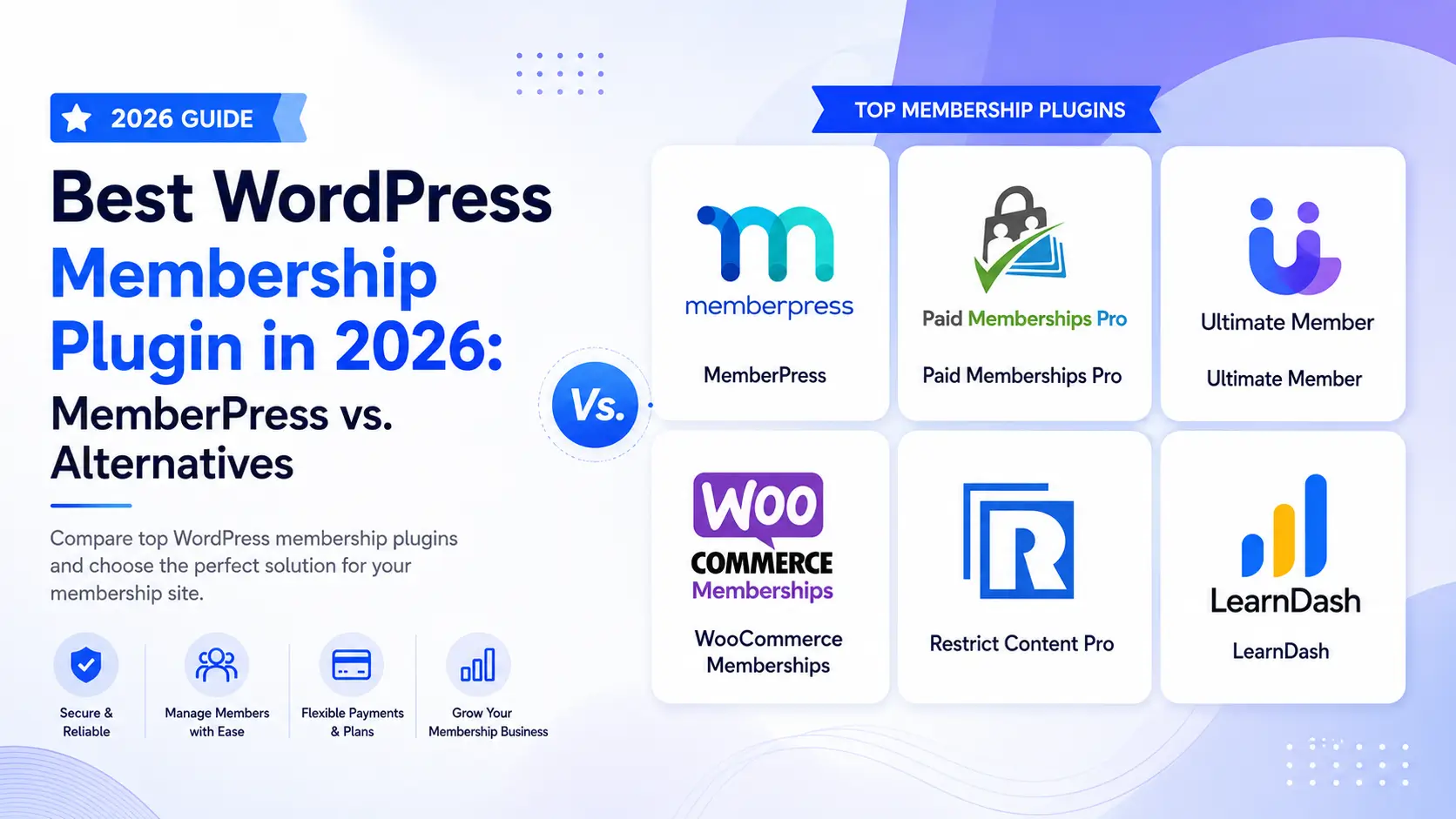
Choosing the right membership plugin WordPress users can rely on determines your platform’s monetization rules, checkout, frictionless scaling, and administrative overhead. Monetizing content globally requires a tool that balances strong content restrictions with reliable payment structures. In this comprehensive guide, we compare the leading options, focusing on upfront pricing, backend flexibility, and hidden transaction costs to help you scale your business seamlessly.
What You'll Learn
Quick Comparison: Best WordPress Membership Plugins
| Plugin | Best For | Promo Price | Hidden Platform Fees | Free Tier |
|---|---|---|---|---|
| MemberPress | All-in-one memberships & LMS | $199.50/yr* | 4.9% on the Launch plan | No |
| Paid Memberships Pro | Developers & strict budgets | $174/yr* | 2% via Stripe Connect | Yes |
| Ultimate Member | Community portals & directories | $276/yr (bundle) | None (requires add-ons) | Yes |
| WooCommerce Memberships | Existing WooCommerce storefronts | $199/yr | None | No |
| Restrict Content Pro | Lightweight content gating | $99/yr* | 2% on Free version | Yes |
| LearnDash | Structured academic course catalogs | $199/yr* | None | No |
*Note: Most premium membership plugins display introductory promotional pricing. Standard renewal rates typically double after year one. Make sure to audit standard rates when planning multi-year projections.
1. MemberPress: The Ultimate All-In-One Platform
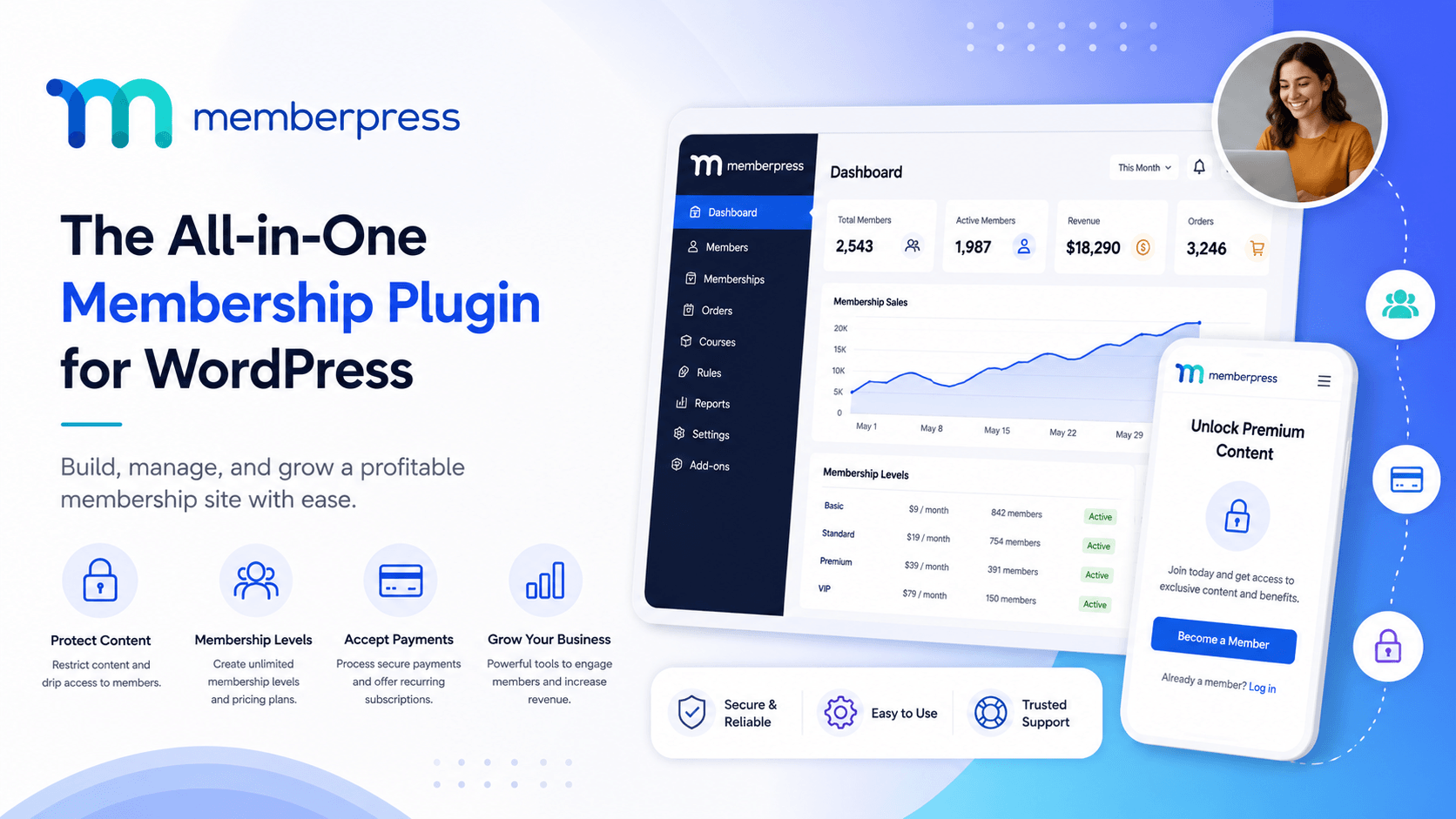
If you need a robust ecosystem that handles access rules, automated billing, and structured course logic without third-party integrations, MemberPress stands out as the most cohesive premium option on the market. It groups content security rules, payment gateway parameters, and structural course formats into a unified dashboard framework.
Core Engineering & Features
- Granular Access Rules: Protect pages, parent/child setups, distinct category tags, individual server files, and custom post types effortlessly. Content dripping allows you to release lessons gradually to optimize subscriber retention.
- Built-In LMS Platform: The classroom component offers a native drag-and-drop course-building framework, eliminating the need to bundle distinct external LMS plugins.
- Global Payment Portals: Seamless out-of-the-box support for Stripe and PayPal integrations ensures you cleanly capture both US credit cards and cross-border digital wallets.
The Catch: Pricing & Platform Fees
MemberPress plans start at an introductory $199.50/year for the Launch tier. However, note that the entry-level plan includes a 4.9% platform transaction fee in addition to standard credit card processor charges. To remove this fee completely and secure advanced integrations (like Authorize.net), upgrading to the Growth tier ($349.50/yr intro) is required. Renewal values align with non-promotional standard platform costs.
Get Started With MemberPress
2. Paid Memberships Pro (PMPro)

Paid Memberships Pro is highly developer-friendly and fully open-source. Unlike alternatives that restrict essential gating options behind paid tiers, PMPro provides complete capability inside its foundational open-source layout, including unlimited membership levels and robust code hooks.
Pros:
- The open-source core framework lets you scale a live, complex site without mandatory licensing costs.
- Broad integrated support for niche payment processors (Authorize.net, Braintree, 2Checkout) helps manage diverse global transactions.
- Extensive filter and action hooks make it easy for developers to write custom access logic.
Cons:
- Using Stripe Connect on the free tier incurs a 2% platform transaction fee.
- The backend settings require clear configuration decisions, making it less beginner-friendly than MemberPress.
Best for: Technically comfortable site owners or developers who need highly customized gating architecture without structural constraints.
3. Ultimate Member

Ultimate Member approaches community management differently from standard paywall systems. It focuses primarily on custom frontend registration forms, interactive user profiles, and open membership directories. If you want to build a social portal, forum framework, or networking index, this plugin provides the necessary structure.
Pros:
- Excellent frontend user profile styling, account navigation panels, and searchable member indexes.
- The core profile and registration framework are entirely free.
- Lightweight codebase that integrates smoothly with community themes like BuddyBoss or bbPress.
Cons:
- Monetization, premium subscription layers, and content restriction rules require paid extensions.
- Purchasing separate extensions can quickly become expensive; the comprehensive Extension Pass costs $276/year.
Best for: Directory portals, custom internal databases, and community networks where monetization features are secondary to user interaction.
4. WooCommerce Memberships

For platforms already running a digital store via WooCommerce, WooCommerce Memberships functions as a native expansion of your existing cart configuration rather than a distinct software stack.
Pros: Links membership permissions directly to physical or digital product purchases. It lets you bundle items easily, offer exclusive store discounts, and use any global payment gateway supported by WooCommerce.
Cons: Requires running the core WooCommerce engine, which adds database weight. It also lacks the native learning management systems (LMS) or direct file-dropping interfaces found in standalone alternatives.
Best For: Established eCommerce brands that want to add subscription tiers, premium shipping options, or members-only perks to their existing stores.
5. Restrict Content Pro

Restrict Content Pro focuses on lightweight, reliable content control. It avoids feature bloat, providing a fast interface dedicated solely to gating posts, pages, and media blocks.
Pros: Extremely clean codebase that minimizes impact on page load speeds. The setup process is direct, and the Pro plans offer a predictable pricing structure without complex configuration demands.
Cons: The free tier adds a 2% platform transaction fee. It also lacks advanced built-in features like internal lesson builders, profile directories, or complex bulk corporate accounting tools.
Best for: Publishers and digital magazines that need a fast, reliable paywall without extra, unused features.
6. LearnDash

If your business model focuses entirely on structured education, certificates, and quiz tracking rather than raw content gating, LearnDash offers a highly specialized architecture built specifically for online learning management.
Pros: Industry-leading academic course tracking tools, interactive quiz matrices, assignment portals, and automated student notification engines.
Cons: Lacks comprehensive cross-functional subscription tools, flexible profile directories, or broad digital asset restrictions outside of course pathways. You may need to pair it with a dedicated membership plugin to handle complex business rules.
Best For: Professional trainers, schools, and course creators whose primary focus is structured curriculum delivery.
If you’re unsure whether to handle the technical implementation yourself or delegate it, our comprehensive overview on hiring a WordPress developer breaks down the cost benefits and setup workflows to help protect your launch timeline.
Key Strategic Factors for US & Global Traffic
When scaling a platform across the US and international markets, avoid picking a plugin based solely on its promotional price. Prioritize these architectural factors:
- Gateway Localization: The US market prefers smooth credit card options like Stripe or Authorize.net. However, global conversions improve significantly when your plugin supports alternative digital payment methods via WooCommerce or Paid Memberships Pro.
- Platform Fee Overhead: A 4.9% transaction charge on high-volume entry tiers can quickly impact your margins. Calculate your projected sales volume early to determine when upgrading to a premium tier makes financial sense.
- Database Scalability: Lightweight options like Restrict Content Pro scale large reader bases cleanly. On the other hand, complex frameworks like WooCommerce require optimized, high-performance hosting to maintain fast page speeds globally.
Frequently Asked Questions
1. Does MemberPress charge platform transaction fees?
Yes. The entry-level MemberPress Launch plan charges a 4.9% platform fee per sale. To remove this cost completely and keep 100% of your transactional revenue, you must upgrade to the Growth or Scale licenses.
2. Which membership plugin provides the best free options?
Paid Memberships Pro provides a highly functional open-source free tier that allows unlimited membership levels and full access restriction. Note that using their Stripe Connect setup on the free tier carries a 2% platform transaction fee.
3. How do MemberPress and Ultimate Member differ?
MemberPress focuses on paywalls, automated billing, and course delivery. Ultimate Member centers on frontend registration, user directories, and social community profiles, requiring paid add-ons to process credit card payments.
4. Can I restrict digital file downloads alongside text posts?
Yes. MemberPress handles file protection through its native rules engine, while Paid Memberships Pro manages file security via specialized download tracking extensions.
5. Do I need to buy a separate LMS plugin to sell online courses?
If you use MemberPress, no. Its built-in Courses add-on includes a complete drag-and-drop lesson editor. For other plugins like Restrict Content Pro or Ultimate Member, you will likely need to integrate an external LMS tool like LearnDash.
Need help finding the right architecture for your web platform? Consult with our Development Experts for a tailored system review.
Hire a MemberPress Expert
Conclusion
If you’re looking for the best All-In-One MemberPress Plugin for your WordPress site, MemberPress is an excellent choice.
Discover more from Master WordPress with Free Tutorials & Guides
Subscribe to get the latest posts sent to your email.
