Tag: wordpress

build and sell online courses with MemberPress

How to Build and Sell Online Courses with MemberPress – No Coding Needed

Build and sell online courses with MemberPress. Learn how to effortlessly transform your knowledge into profit by building and selling online courses directly from WordPress using MemberPress without any coding required. Why MemberPress Is the Best WordPress LMS Plugin for Beginners When searching for a WordPress LMS plugin, you’ll find dozens of options. However, none combine simplicity, flexibility, and profitability quite like MemberPress. In fact, MemberPress stands out because of its robust features and ease of use. Courses and Memberships in one place: First, offer free, paid, or bundled courses easily. Visual course builder: Next, use the drag-and-drop simplicity, no code required. Access rules: In addition, control who can view what, perfect for tiered membership levels. Integrated payments: Additionally, accept

Continue Reading
best WordPress contact form plugin

The Best WordPress Contact Form Plugin: A Complete Guide for 2025

A contact form is an essential part of any website. However, with hundreds of options available, how do you choose the best WordPress contact form plugin? The right plugin can do more than just collect messages; it can generate leads, automate your workflow, and even process payments. To help you decide, in this guide, we’ll break down the top contenders in the market, comparing their features, ease of use, pricing, and who they are best for. Whether you’re a first-time site owner or an experienced developer, you’ll find the perfect solution here. 1. WPForms: The Best WordPress Contact Form Plugin for Beginners WPForms is widely regarded as the best WordPress contact form plugin because of its user-friendly interface and powerful

Continue Reading
MemberPress

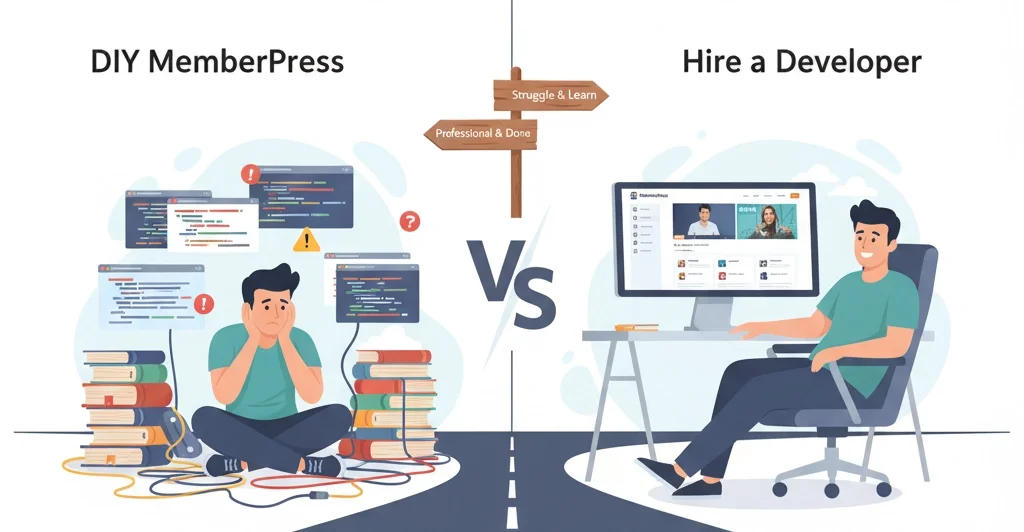
How to Build a MemberPress Site: The DIY vs. Developer Guide

I get it. You’ve chosen MemberPress to build your online course or membership site, and now you’re standing at a critical crossroads. On one path, you’re the hero, building your entire site yourself from the ground up. On the other hand, you’re hiring a professional developer to bring your vision to life. So, which path is right for you? This isn’t a simple question. In 2025, a successful membership platform is more than just a locked-down blog. It’s a strategic hub for content, community, and commerce. I’ve seen countless entrepreneurs face this same decision, and I’m here to help you navigate it. Let’s break down the pros and cons to help you make the best choice for your business. Table
Continue Reading
Top 15 Best WooCommerce Plugins in 2025

Top 15 WooCommerce Plugins for Your Store in 2025

WordPress stands out as one of the most effective platforms for building and managing eCommerce sites, thanks to its remarkable flexibility and vast selection of WooCommerce plugins. These plugins are essential tools to optimize your store’s performance, enhance the customer experience, and boost sales. Choosing the Top 15 WooCommerce plugins for Your Store in 2025 right WooCommerce plugins can make a significant difference in transforming your online store into a thriving business. That’s what we’re here to assist you with. In this article, we’ve gathered the top 15 WooCommerce plugins that will elevate your store! 1. WooCommerce PDF Invoices, Packing Slips, and Credit Notes For a successful eCommerce business, maintaining operational efficiency is key, and the WooCommerce PDF Invoices plugin

Continue Reading
Create WordPress Admin User Through FTP

Create WordPress Admin User Through FTP

Hello friends, Today in this article, we will learn how to create WordPress admin users through FTP. FTP will help us to create a WordPress Admin User when we don’t have any other access. You can explore our FTP tutorial if FTP(File Transfer Protocol) is a new thing to you. A few days back, one of my friends asked me if it is possible to create an admin user without Database or WordPress Admin access. I said Yes, of course, it is possible. Actually, sometimes users forget their username/password, or some security plugins lock users. We can also add an Admin user in WordPress through MySQL, but today we will learn how to create an Admin user through FTP. So

Continue Reading
wordpress kirk

Introducing WordPress Kirk

Do you guys know what is Kirk? Why we are talking about Kirk? So let’s pause the suspense and let you know guy what is Kirk. Kirk is a new WordPress version 5.3. WordPress 5.3! Named “Kirk” in honor of jazz multi-instrumentalist Rahsaan Roland Kirk, the latest and greatest version of WordPress WordPress 5.3 expands and refines the block editor introduced in WordPress 5.0 with a new block, more intuitive interactions, and improved accessibility. New features in the editor increase design freedoms, provide additional layout options and style variations to allow designers to complete control over the look of a site. This release also introduces the Twenty Twenty theme giving the user more design flexibility and integration with the block

Continue Reading
WordPress 5.2.3

What’s New in WordPress 5.2.3

WordPress has released new updates, including important features for website owners. Let’s explore what’s new in WordPress version 5.2.3. 1. PHP Error Protection Firstly, This administrator-focused update will let you safely fix or manage fatal errors without requiring a developer. It features better handling of the so-called “white screen of death” and a way to enter recovery mode, which pauses error-causing plugins or themes. 2. Accessibility Updates Moreover, Several changes work together to improve contextual awareness and keyboard navigation flow for those using screen readers and other assistive technologies. 3. New Dashboard Icons For example, Thirteen new icons include Instagram, a suite of icons for BuddyPress, and rotated Earth icons for global inclusion. Find them in the Dashboard and have

Continue Reading
Pinterest for WooCommerce

Pinterest for WooCommerce

Pinterest for WooCommerce, Sounds GREAT! If I’m not wrong, then all you guys would know about Pinterest. Pinterest is a social media web and mobile application. It operates a software system designed to enable saving and discovery of information on the World Wide Web using images and, on a smaller scale, GIFs and videos. The site was founded by Ben Silbermann, Paul Sciarra, and Evan Sharp. So let’s come to the point. In this article, we will discuss Pinterest, which we can now integrate with our WooCommerce website. Yes, you guys are right, WooCommerce provides a paid plugin for Pinterest for WooCommerce through which we can integrate our website products. This plugin integration can grow your brand and find new

Continue Reading
checkout field editor

How to Manage WooCommerce Checkout Fields

Hello friends! In my last article, we discussed how to remove WooCommerce billing fields from the checkout page using custom code. Now, you might be wondering why I’m mentioning that again. Well, it’s because today we’ll be talking about the  WooCommerce Checkout Field Editor plugin. Unlike custom coding, this plugin offers a much easier way to manage your WooCommerce checkout fields. Yes, WooCommerce provides the Checkout Field Editor plugin to its users. So users can easily manage billing, shipping fields in their online store checkout page. Moreover, the checkout field plugin provides an interface to add, edit, and remove fields which shown on the WooCommerce checkout page. In addition, you can add or remove fields from the billing and shipping

Continue Reading
wordpress maintenance

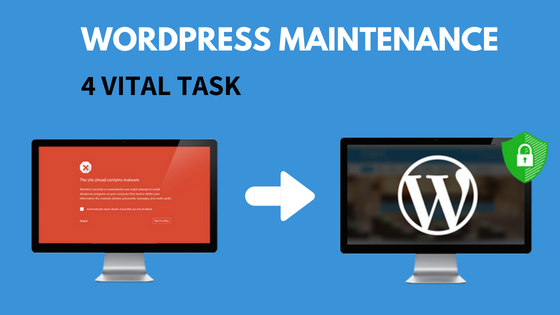
4 Vital Monthly WordPress Maintenance Tasks

Hello Friends, today we will learn about 4 Vital Monthly WordPress Maintenance tasks which we need to do regularly. But first, we need to understand why WordPress maintenance is important. We think that once our  WordPress website is completed and live, our work is over, but that’s not true. If we neglect to maintain the WordPress site, then you will see the following results: Security vulnerabilities Page loading time will increase Bad user experience Loose search engine ranking Let’s see what the WordPress maintenance services are, so we keep a WordPress site running smoothly: WordPress Site Backup WordPress Updates Theme & Plugin Updates WordPress Security We can extend WordPress maintenance in some other areas, such as adding new content, updating

Continue Reading

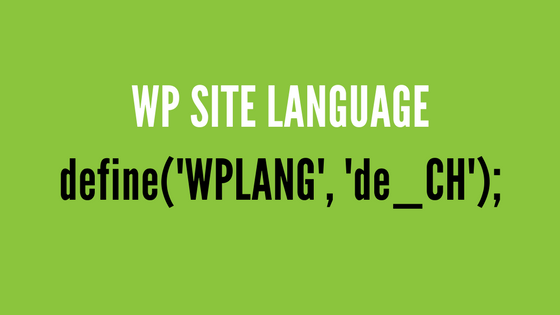
How to change Site language in WordPress

Hello Friends, today we will learn about How to change Site language in WordPress. Let me first tell you guys why we wrote this article today. A few days ago, one of my subscribers asked me that he is having a problem in the approval of Google Adsense on his website.     He migrated the site content from Deutsch to English(US). The content was changed to English but he didn’t  change site language configuration from WordPress admin, that’s why Google Adsense didn’t accept his application. Check the screenshot below to understand it better.     So, Let’s start to learn How to change Site languages in WordPress. 1. Check Availability First of all, we need to know where to change language

Continue Reading

Add Administrator User in WordPress Using MySQL

Friends, In today’s article, we’ll learn how to add an administrator user to WordPress using MySQL. Yesterday, my best friend reached out to me because his WordPress site was hacked, and his admin account was deleted. He asked me how he could add a new administrator without accessing the WordPress dashboard. I gave him a solution: you can add an administrator directly from MySQL. NOTE: Before proceeding, make sure to back up your website database. Add an Administrator from the WordPress MySQL Database Below are the two ways to perform this task. Not to worry, I’ll describe both: Run a MySQL query Manual Steps in MySQL Run a MySQL query This method is only for those who want to speed

Continue Reading