WordPress Tutorials, Security Guides & Performance Tips

Category: Wordpress

WooCommerce Migration Plugins

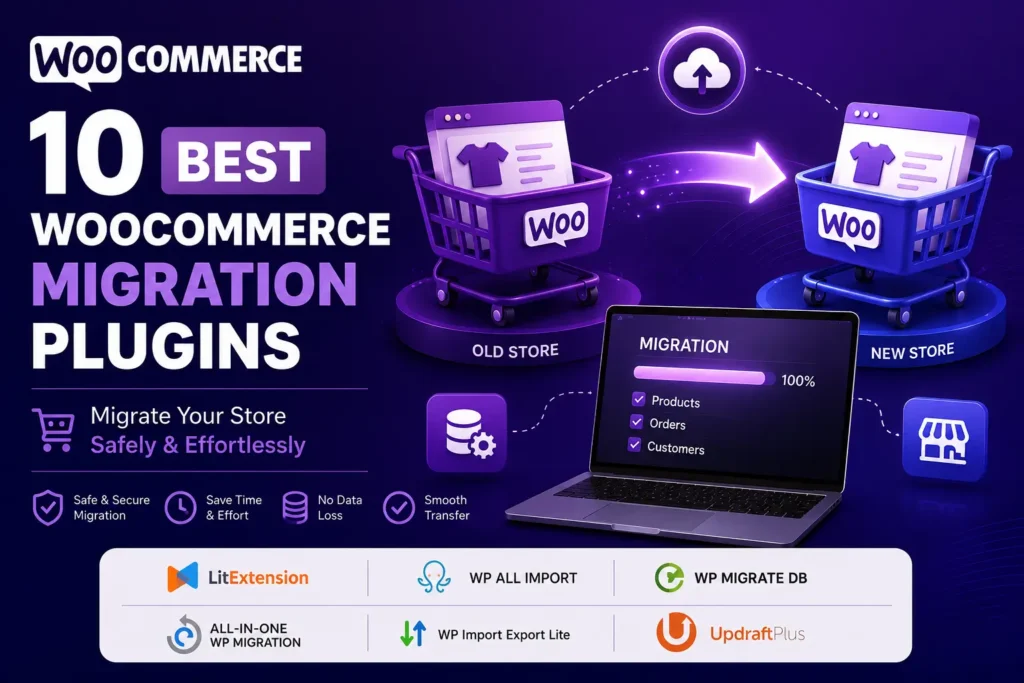
10 Best WooCommerce Migration Plugins for 2026 (Ranked)

WooCommerce Migration Plugins can make transferring your online store much easier and more secure. Whether you’re moving to a new host, switching domains, or consolidating two WooCommerce stores into one, manually copying products, orders, customers, and coupons is a good way to lose data, break URLs, or spend a weekend you’ll never get back. The good news: you don’t need a developer to do this well if you choose the right tool. In this guide, we’ve tested and compared the

Continue Reading
Phpyout Increase Conversions with WooCommerce File Upload Features

Increase Conversions with WooCommerce File Upload Features

Have you ever lost a sale because your customers were unable to upload relevant files during the checkout process? In the world of e-commerce, convenience is essential for improving sales conversion numbers. Setting up a file upload WooCommerce solution lets customers submit necessary files seamlessly during checkout, whether that’s a design proof, a prescription, or a custom specification. With this feature in place, businesses can streamline order management, boost customer satisfaction, and therefore, ultimately increase sales. If you are a

Continue Reading
Best AI tools for WordPress 2026: design, content, SEO automation

Best 10 AI Tools for WordPress: Essential 2026 Guide

Introduction: Why AI Tools for WordPress Matter in 2026 Imagine finishing your WordPress website design in 2 hours instead of 2 weeks. Imagine writing SEO-optimized blog content in 15 minutes instead of 3 hours. Imagine having a chatbot answer customer questions 24/7 without lifting a finger. That’s exactly what modern AI tools can do for your WordPress website in 2026. AI is no longer a “nice-to-have” for WordPress users; it’s become essential. Whether you’re a beginner starting your first blog,

Continue Reading
10-essential-wordPress-plugins-remote-workers-and-digital-nomads

10 Essential WordPress Plugins for Remote Workers and Digital Nomads

Remote workers and digital nomads can improve their WordPress blogs by keeping things simple and making sure their sites work well. The right tools and plugins make it easy to manage online businesses, portfolios, and blogs. This guide shares 10 Essential WordPress plugins to help them work better in a flexible and connected way. 1. Jetpack: An Essential WordPress plugin Managing a website has never been easier than with Jetpack, an all-in-one solution. It provides backups for your site, speed

Continue Reading

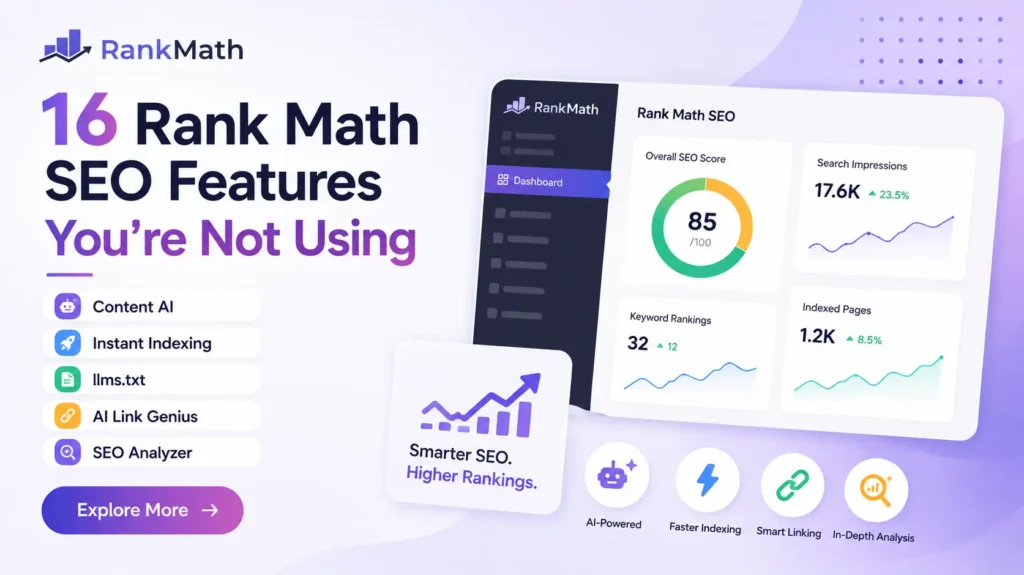
16 Best Free Rank Math SEO Features You’re Not Using in 2026

Rank Math is a free WordPress SEO plugin used for on-page optimization, schema markup, and technical SEO management. This guide covers 16 Rank Math features most site owners never turn on, including Content AI, Instant Indexing, and the Advanced Schema Generator. Quick answer: There are at least sixteen essential Rank Math SEO features that most WordPress sites never turn on. That list runs from an AI writing assistant to a one click WooCommerce noindex rule. Most of these Rank Math

Continue Reading
web technologies for wordpress developers

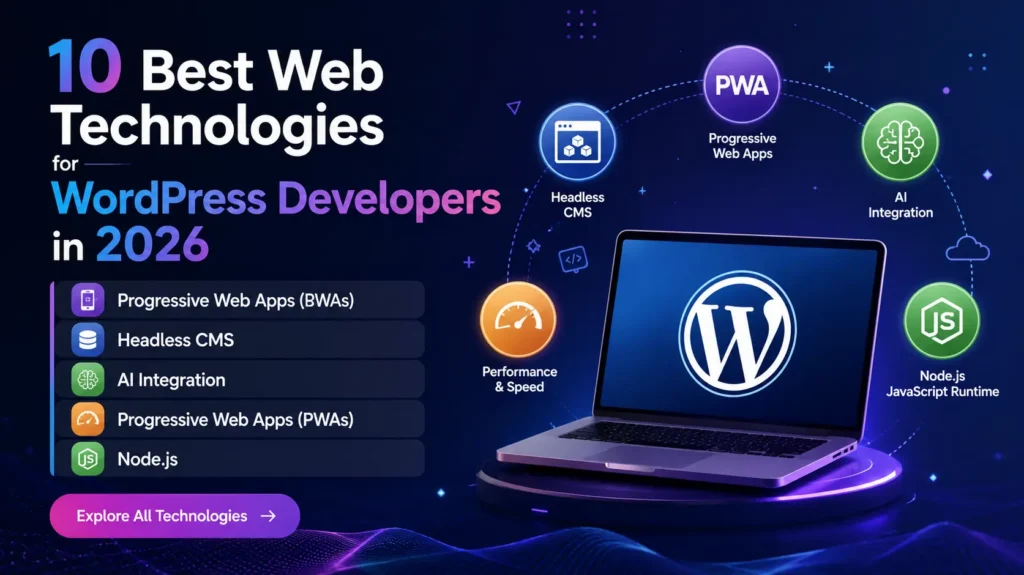
10 Best Web Technologies for WordPress Developers in 2026

Quick answer: The web technologies for WordPress developers that actually matter in 2026 include AI coding assistants built for WordPress workflows, Full Site Editing and block themes, headless setups built on WPGraphQL, and WordPress’s new Abilities API for AI agents. This guide covers ten of them, what each one does, and when it’s actually worth your time. Most “top web technologies” roundups read the same whether they’re written for a WordPress shop or an enterprise Java team. That’s always bugged me

Continue Reading
The Ultimate Elementor Flexbox Tutorial

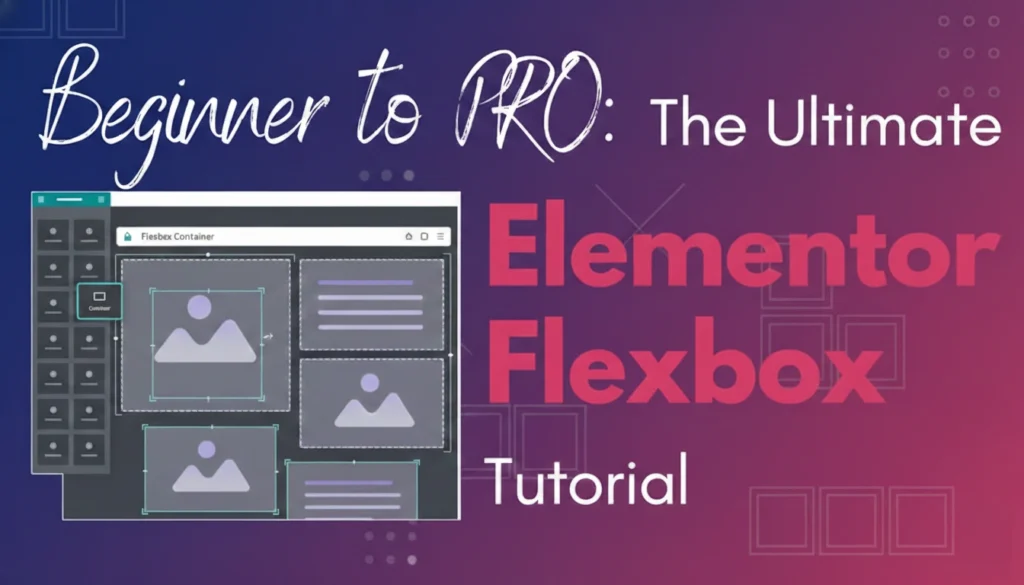
The Ultimate Elementor Flexbox Tutorial: Beginner to Pro

Welcome to the Elementor Flexbox Tutorial! If you want a trendy, professional-looking website, the Elementor Flexbox tutorial is an excellent tool for your design. This is because it enables you to create dynamic layouts that adapt to various screen sizes and orientations. As a result, your website will be both more user-friendly and eye-catching. In this Elementor Flexbox tutorial, we’ll cover everything you need to know from beginner to pro, and from basic concepts to advanced techniques, so you can

Continue Reading
website builder platforms

Top Website Builder Platforms in 2023

Hello everyone, in 2023, creating a website that is both user-friendly and SEO-optimized has become more accessible than ever. However, choosing the right website builder platforms among the top website builder platforms remains a critical decision for business owners, entrepreneurs, and organizations. This article provides a concise overview of the top website builder platforms in 2023, helping you select the best website builder platforms for your Business goals. 1. WordPress – Most Popular CMS for 2023 More than 40% of

Continue Reading
best wordpress membership plugin

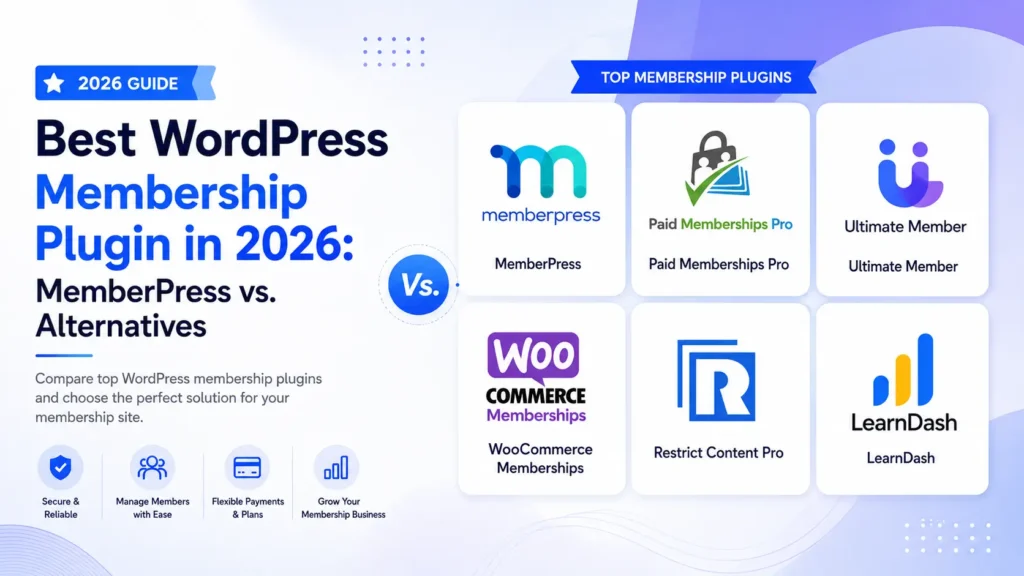
Best WordPress Membership Plugin in 2026: MemberPress vs. Alternatives

Choosing the right membership plugin WordPress users can rely on determines your platform’s monetization rules, checkout, frictionless scaling, and administrative overhead. Monetizing content globally requires a tool that balances strong content restrictions with reliable payment structures. In this comprehensive guide, we compare the leading options, focusing on upfront pricing, backend flexibility, and hidden transaction costs to help you scale your business seamlessly. Quick Comparison: Best WordPress Membership Plugins Plugin Best For Promo Price Hidden Platform Fees Free Tier MemberPress All-in-one

Continue Reading
WordPress Page Builders to Elevate Your Website

Top 5 WordPress Page Builders to Elevate Your Website

WordPress is the world’s most popular content management system (CMS). It’s free, easy to use, and perfect for small businesses starting their first website. Beginners often find it simple to learn web design basics and create great pages using the built-in WordPress page builder However, after learning the basics of WordPress, you might find its native page editor limited in customization. To fully personalize your pages, you’ll need to add a page builder plugin to your WordPress site. In this

Continue Reading
Create WordPress Admin User Through FTP

Create WordPress Admin User Through FTP

Hello friends, Today in this article, we will learn how to create WordPress admin users through FTP. FTP will help us to create a WordPress Admin User when we don’t have any other access. You can explore our FTP tutorial if FTP(File Transfer Protocol) is a new thing to you. A few days back, one of my friends asked me if it is possible to create an admin user without Database or WordPress Admin access. I said Yes, of course,

Continue Reading
List your woocommerce products on google shopping

List Your Woocommerce Products On Google Shopping

I heard many times that WordPress is not good for creating an online store. However, it is totally a myth. In fact, WordPress allows you to design any website, and you can create your own online store with the help of the WooCommerce plugin. Furthermore, WooCommerce helps online stores connect with Google Shopping through the plugin, allowing us to display our products on Google Shopping. Google Product Feed How to Generate Product Feed on a WooCommerce Store? Though WooCommerce itself

Continue Reading