

Every developer eventually asks the same question:
What You'll Learn
Which AI Tool for Developers Is Best?
Not which one is trending. Not which one sounds impressive. Rather, the best AI for developers genuinely saves time, reduces errors, and fits the way you work.
As of 2026, three tools dominate developer workflows:
They all write code and promise to boost productivity. However, they take fundamentally different approaches. Gemini focuses on IDE integration, Claude emphasizes reasoning, and GPT prioritizes versatility across tasks. Understanding these differences helps you choose the right tool for your workflow.
For this reason, this guide compares them honestly so that you can choose the best AI for developers based on real-world needs.
Table of Contents
- What Makes an AI Great for Developers?
- Gemini vs Claude vs GPT: Quick Comparison
- Gemini Code Assist: Strengths & Use Cases
- Claude: The Reasoning-First AI
- GPT: The Most Versatile AI for Developers
- Coding Accuracy & Debugging Comparison
- Performance by Development Type
- Security, Privacy & Enterprise Readiness
- Pricing & Value for Money
- Which AI Is Best for You?
- FAQs
- Conclusion
1. What Makes an AI Great for Developers?

A good AI code assistant does more than autocomplete syntax. The best ones understand your project context, explain why code works or fails, and help you think through complex problems rather than just generating boilerplate. They should reduce cognitive load, not increase it.
Specifically, the best AI programming tools:
- Understand context across files
- Explain why the code works or fails
- Handle large projects and long logic chains
- Adapt to different tech stacks
- Reduce cognitive load instead of increasing it
Additionally, bonus points if the AI also helps with testing, documentation, refactoring, and security reviews.
2. Gemini vs Claude vs GPT: Best AI Comparison for Developers
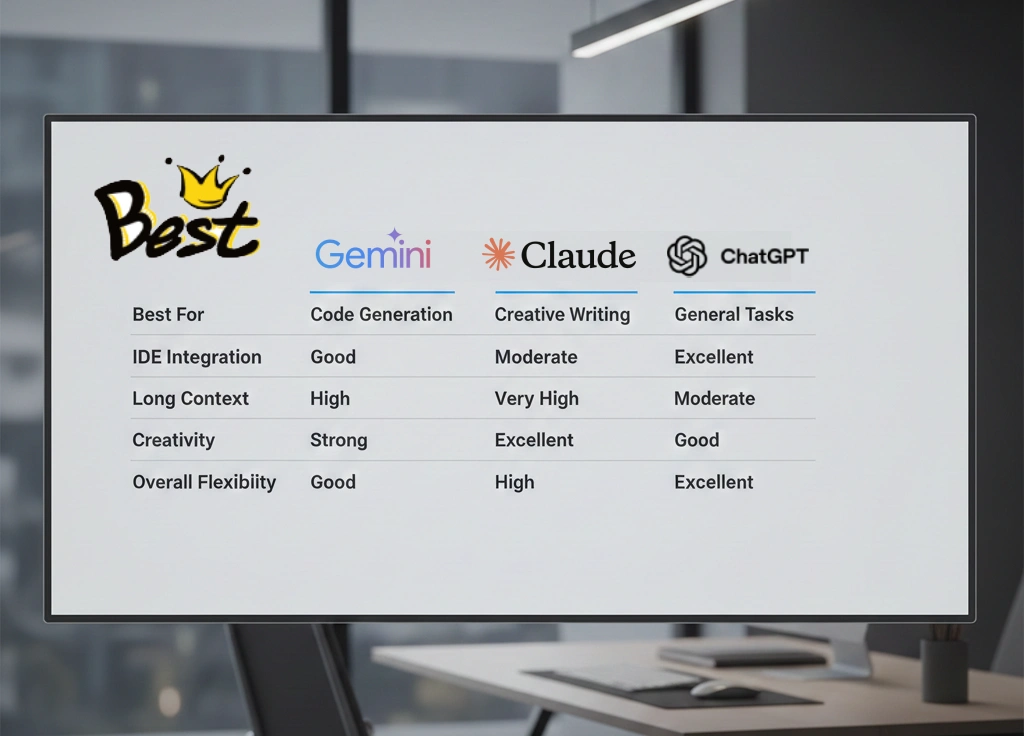
| Feature | Gemini Code Assist | Claude | GPT |
|---|---|---|---|
| Best For | Enterprise & Cloud Teams | Deep Reasoning | All-round Development |
| IDE Integration | Excellent | Limited | Good |
| Long Context | Good | Excellent | Good |
| Creativity | Medium | Medium | High |
| Overall Flexibility | Medium | Medium | Very High |
3. Gemini Code Assist: Strengths & Use Cases
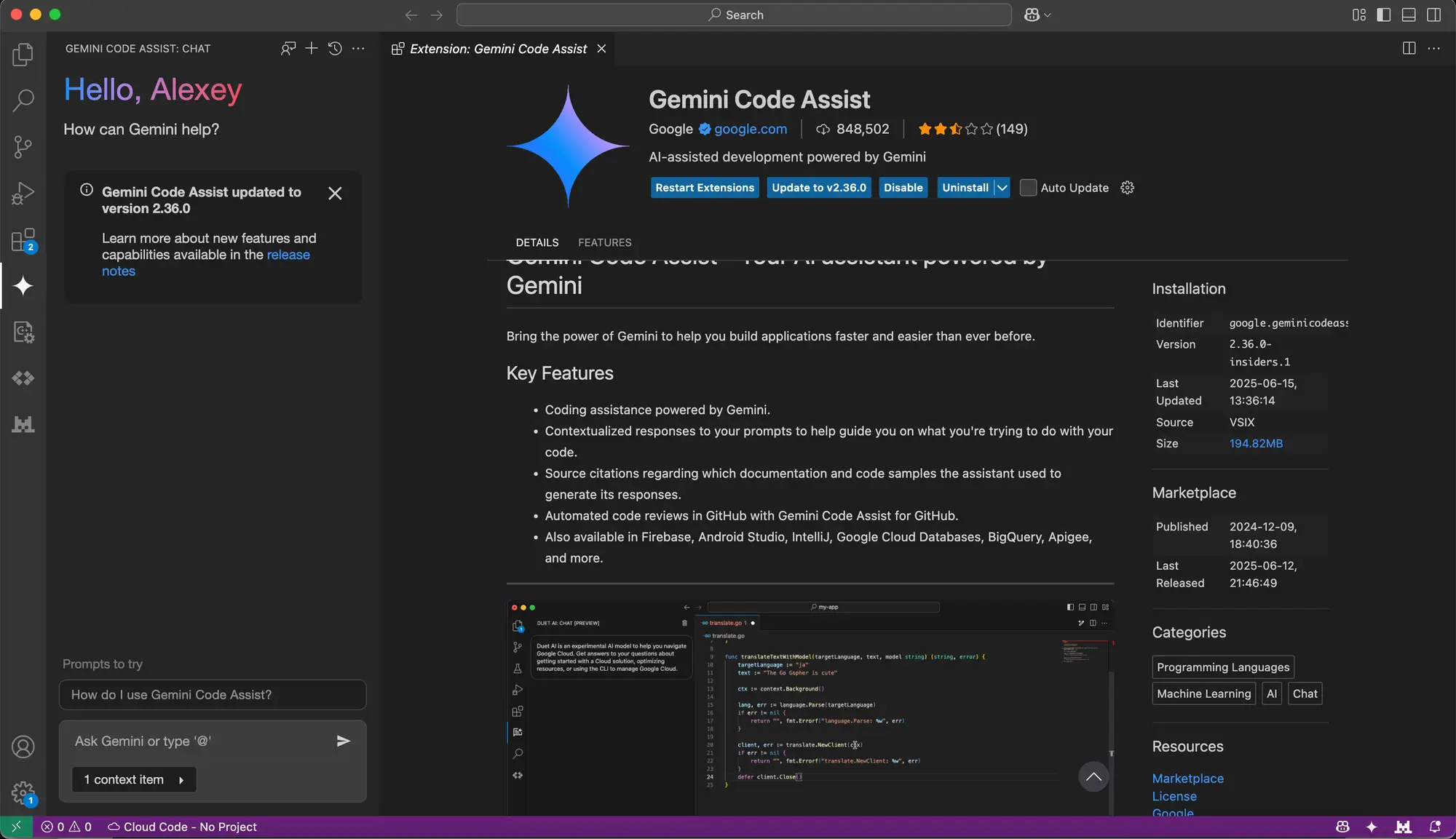
Overall, Gemini Code Assist feels like a corporate-grade developer tool.
Strengths
- Firstly, excellent IDE integration
- Secondly, a strong backend and cloud support
- Finally, predictable, policy-safe outputs
Limitations
- However, less conversational
- Additionally, limited creative flexibility
- Moreover, not ideal for brainstorming
Therefore, best for: Enterprise teams, regulated industries, and Google Cloud workflows.
4. Claude: The Reasoning-First AI

In practice, Claude behaves like a senior developer who explains everything clearly.
Why Developers Love Claude
- Firstly, outstanding logical explanations
- Secondly, handles long files effortlessly
- Finally, produces clean, readable code
Where It Struggles
- However, limited IDE integration
- Additionally, slower for rapid experimentation
Overall, Claude shines when problems are complex and clarity matters.
5. GPT: The Most Versatile AI for Developers

In practice, GPT works like a full-stack teammate.
Specifically, it comfortably handles:
- Firstly, frontend and backend development
- Secondly, APIs and databases
- Thirdly, WordPress plugins and themes
- Finally, SEO, DevOps, and automation
As a result, this flexibility makes GPT the daily driver for freelancers, agencies, and startups.
6. Coding Accuracy & Debugging with Best AI for Developers
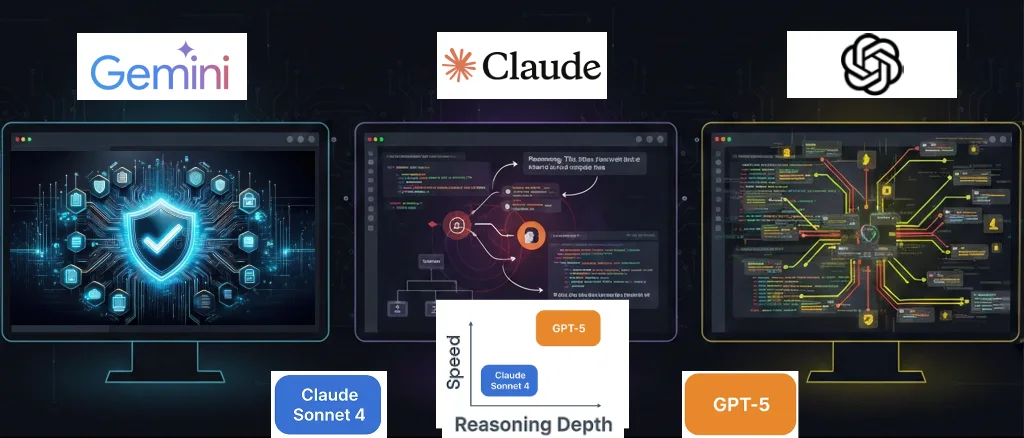
- Firstly, Gemini: Conservative, policy-safe, predictable
- Secondly, Claude: Excellent at identifying logical errors
- Finally, GPT: Fast debugging with multiple approaches
Overall, Winner: Claude for depth, GPT for speed.
7. Performance by Development Type
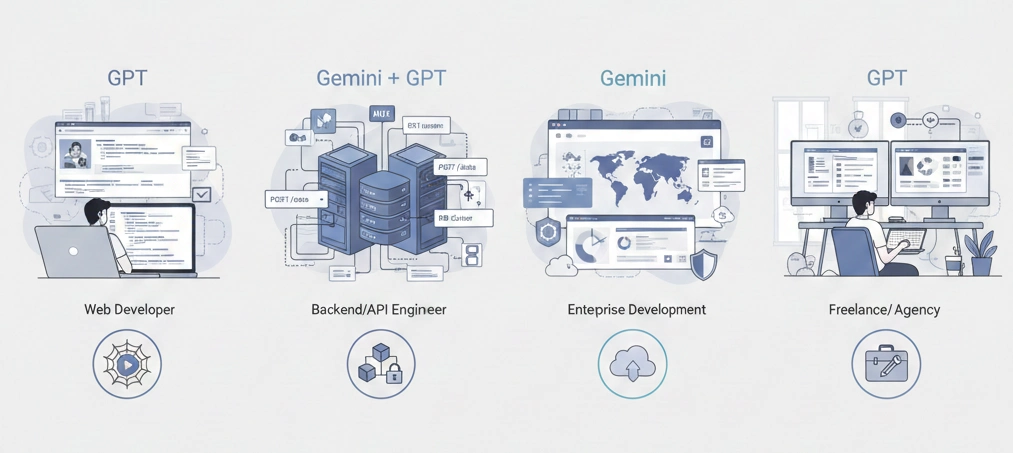
- Web Development: GPT
- Backend & APIs: Gemini or GPT
- Enterprise Systems: Gemini
- Freelancers & Agencies: GPT
8. Security & Privacy in Best AI Tools for Developers
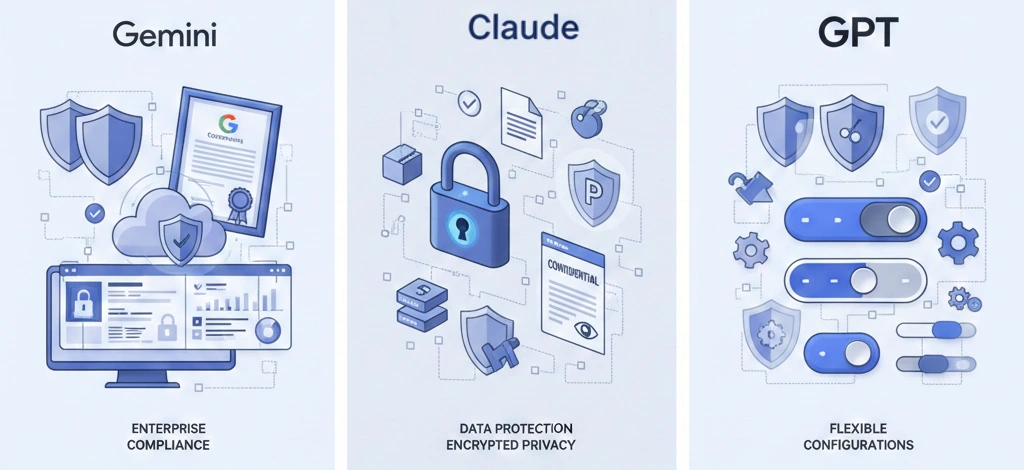
- Firstly, Gemini: Strong governance and compliance
- Secondly, Claude: Privacy-focused outputs
- Finally, GPT: Flexible with proper configuration
9. Pricing & Value of Best AI for Developers
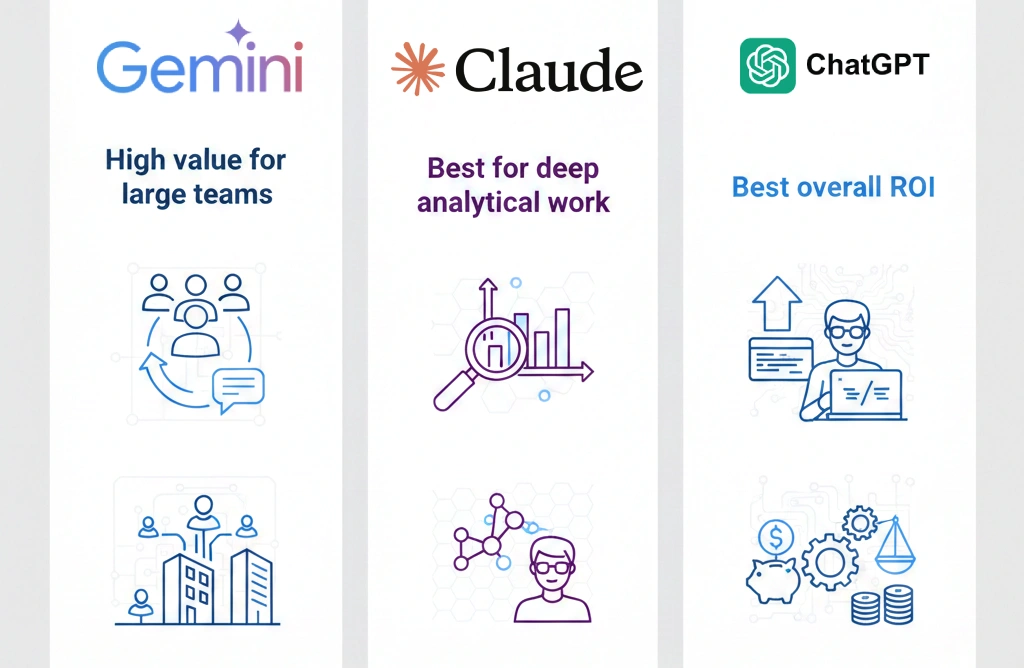
| Tool | Value Proposition |
|---|---|
| Gemini | High value for large teams |
| Claude | Best for deep analytical work |
| GPT | Best overall ROI |
10. Which AI Is Best for You?

In general, choose Gemini if you work in enterprise or cloud-first environments.
Alternatively, select Claude if you prioritize reasoning and clean architecture.
Finally, choose GPT if you want one AI that does everything well.
Frequently Asked Questions
Which AI is best for developers in 2026?
The best AI for developers depends on your needs. Gemini Code Assist excels for enterprise teams with IDE integration. Claude is best for deep reasoning and long code contexts. GPT is most versatile for all-around development tasks.
Is Claude better than GPT for coding?
Claude excels at reasoning and explaining code deeply, making it better for complex logic and debugging. GPT is more versatile and creative. For pure coding speed, they’re comparable. Choose Claude for learning, GPT for productivity.
Does Gemini Code Assist work with all IDEs?
Gemini Code Assist has excellent IDE integration with VS Code, IntelliJ, and other JetBrains IDEs. Integration is native and seamless, unlike Claude and GPT which require browser tabs or extensions.
What’s the cheapest AI for developers?
Claude and GPT offer free tiers suitable for learning. Gemini Code Assist is free for individual developers. For production use, all three require paid plans ranging from $20-100/month depending on usage.
Can I use these AI tools offline?
No, Gemini Code Assist, Claude, and GPT all require internet connection and cloud processing. None offer offline capabilities. For offline coding assistance, consider tools like Copilot that cache locally.
Conclusion
Ultimately, there is no universal winner; only the right tool for your workflow.
- Gemini brings structure
- Claude brings clarity
- GPT brings versatility
Therefore, for most developers, GPT becomes the daily choice, with others used strategically.
The smartest AI is the one that removes friction from your work.
Discover more from Master WordPress with Free Tutorials & Guides
Subscribe to get the latest posts sent to your email.
