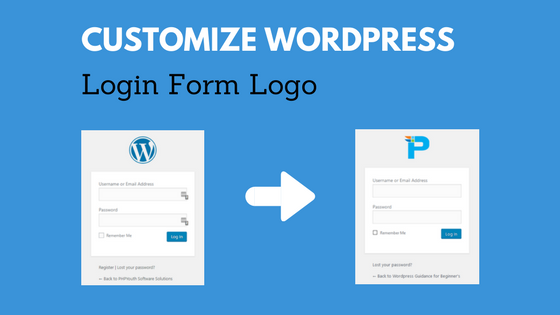
Customize Logo on WordPress Login/Register Page
Hello Friends! Today, we will show how to customize the Logo on the WordPress Login and sign-up page. We often logged into WordPress websites, but never thought to apply our branding to the login page. It is straightforward code, just copy it and implement it on your website. Let’s see how we can change the logo in a minute. Two Ways to Change Below are: PHP Function WordPress Plugins PHP Function To begin with, you can use a PHP function