
WordPress Tutorials, Security Guides & Performance Tips

Tag: Automation

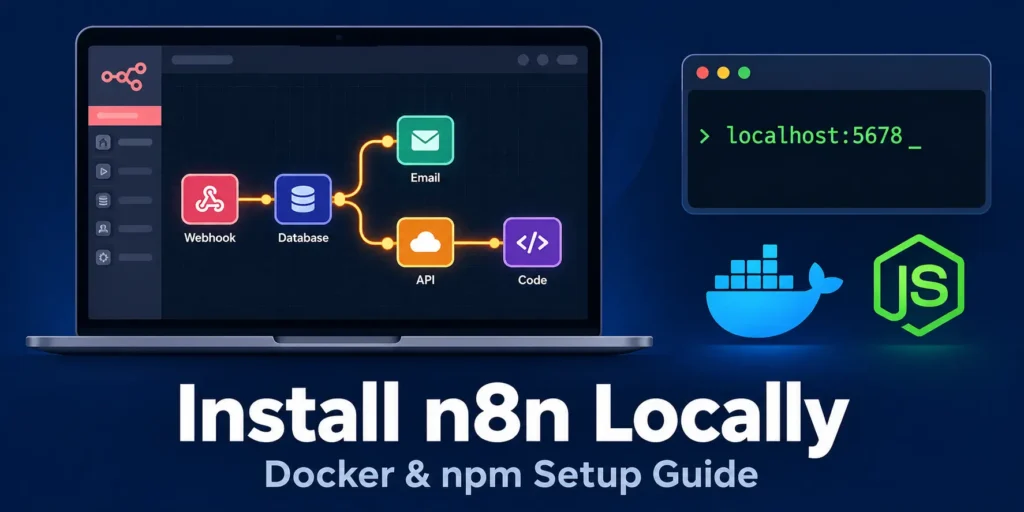
Install n8n locally with Docker or npm on localhost port 5678

How to Install n8n Locally on Your Computer with Docker or npm

The fastest way to build and test automation workflows without paying per execution is to install n8n locally. You get the full workflow editor, every built-in node, and complete control over your data, all running on your own machine at port 5678. I run a local n8n instance for every client automation before it touches a server. Three reasons make the ten minutes of setup worth it: Zero execution costs: n8n Cloud bills by workflow executions. A local instance runs

Continue Reading
wordpress mcp server

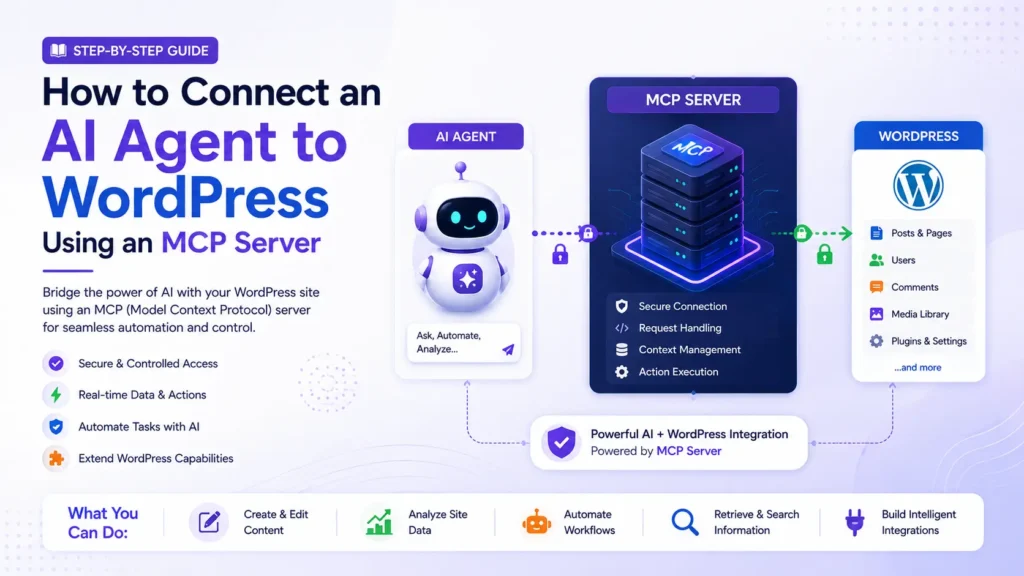
How to Connect an AI Agent to WordPress Using an MCP Server

If you have tried to get ChatGPT or Claude to actually do something inside your WordPress site, rather than just talk about it, you have probably hit a wall. A WordPress MCP server is what closes that gap. It gives an AI agent a defined, permissioned way to read your posts, update content, manage plugins, or pull site data, instead of guessing through screenshots or copy-pasted admin instructions. A properly configured WordPress MCP server replaces one-off REST API scripts with

Continue Reading