
Hello Friends,
Today, we will talk about how to make our website taxonomy slugs SEO friendly. First, we will give you a tip for SEO Friendly URL, this is an important part to make a website SEO friendly. Sometimes developers use underscores to separate words in the URL of Pages/Posts instead of using dashes. Underscore is a bad thing in a URL from a SEO perspective. If you want to make a website SEO friendly, then we have to use dashes instead of underscores.
Wait, let me show you an example, the URL in the screenshot is not an SEO friendly URL:
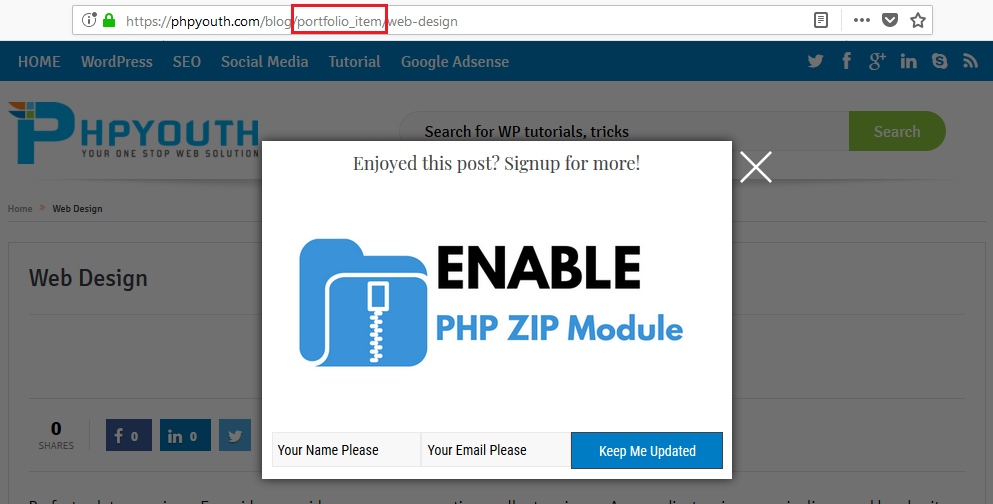
Above is an example of a single Portfolio page, where you will see that there is an underscore that separates portfolio & items in the URL. Many paid WordPress themes don’t have the feature to make a custom slug for these types of taxonomies, like Portfolio, Courses, etc…
So today, we will learn how to make taxonomy slug SEO friendly. Friends, you have to follow the steps below:
STEP 1: Open your activated child theme’s folder, then locate the functions.php file. Now, copy the code below and paste it at the end of that file.
function py_modify_taxonomy() {
// get the arguments of the already-registered taxonomy
$people_category_args = get_taxonomy( 'projects_category' );
$people_category_args-& gt;show_admin_column = true;
$people_category_args->rewrite['slug'] = 'projects';
$people_category_args-& gt; rewrite['with_front'] = false;
<pre><code>// re-register the taxonomy
register_taxonomy( &#039;projects_category&#039;, &#039;projects&#039;, (array) $people_category_args );
</code></pre>
}
// hook it up to 11 so that it overrides the original register_taxonomy function
add_action( 'init', 'py_modify_taxonomy', 11 );
STEP 2: In the above code, replace ‘project_category’ with either ‘projects’ or ‘project-category’. After that, update your functions.php file to apply the changes.
STEP 3: After updating the functions.php file, go to Settings > Permalinks.
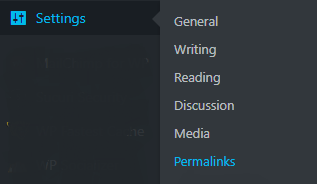
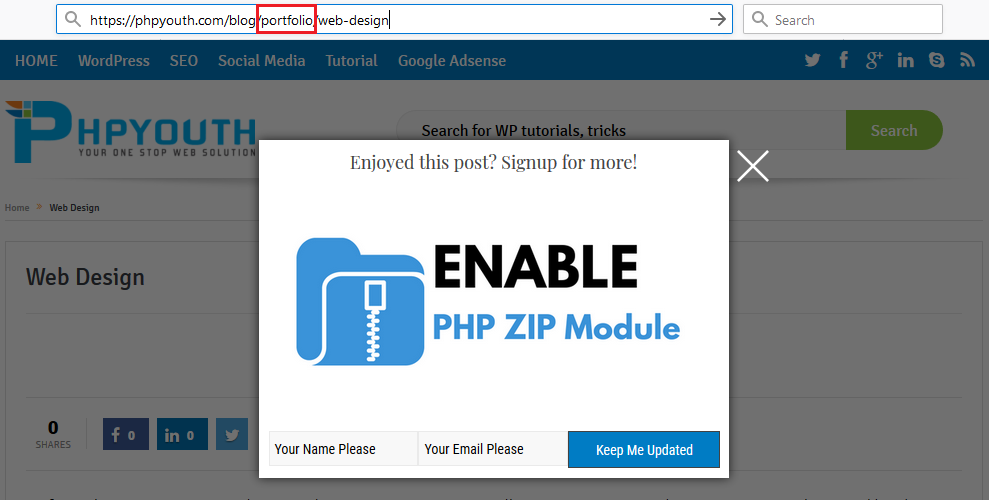
STEP 4: On the Permalinks page, scroll to the bottom and hit the Publish button. You will see that underscores have been replaced with either text or a dash as per your need. Thanks


Discover more from Master WordPress with Free Tutorials & Guides
Subscribe to get the latest posts sent to your email.
