Hello Friends, today we will learn how to resolve the MySQL error 1273 utf8mb4_unicode_520_ci in WordPress. This MySQL error #1273 – Unknown collation: ‘utf8mb4_unicode_520_ci’ often occurs when importing a WordPress database.
This specific MySQL error often occurs when importing a WordPress database from one host to another using PHPMyAdmin. It can also happen even when importing on the same server.
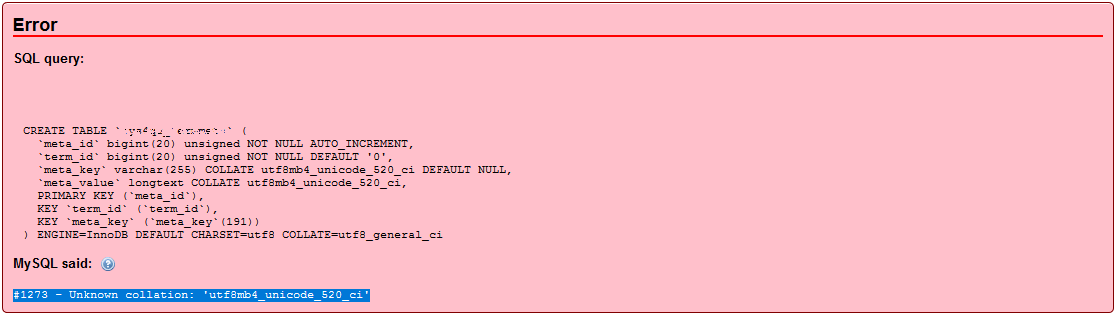
So, here are the steps that will help us fix the MySQL error #1273 – Unknown collation: ‘utf8mb4_unicode_520_ci’.
STEP 1: Download your Database file in [.sql] format.
STEP 2: Open the database file in either Macromedia Dreamweaver or Notepad++, then use the Search & Replace command (Ctrl+F).
STEP 3: Next, search for “utf8mb4” and replace it with “utf8”. This will change all instances of utf8mb4_unicode_520_ci to utf8_unicode_520_ci.
STEP 4: Next, search for “utf8_unicode_520_ci” and replace it with “utf8_unicode_ci“.
STEP 5: Finally, open PhpMyAdmin and set the database collation to utf8_unicode_ci via Operations >> Collation.
Try this, it’ll really work.


Discover more from Master WordPress with Free Tutorials & Guides
Subscribe to get the latest posts sent to your email.